ValCraft
Play Valheim's world as a Minecraft player: Minecraft movement, inventory, blocks, combat and chat inside Valheim's terrain, weather and dungeons.
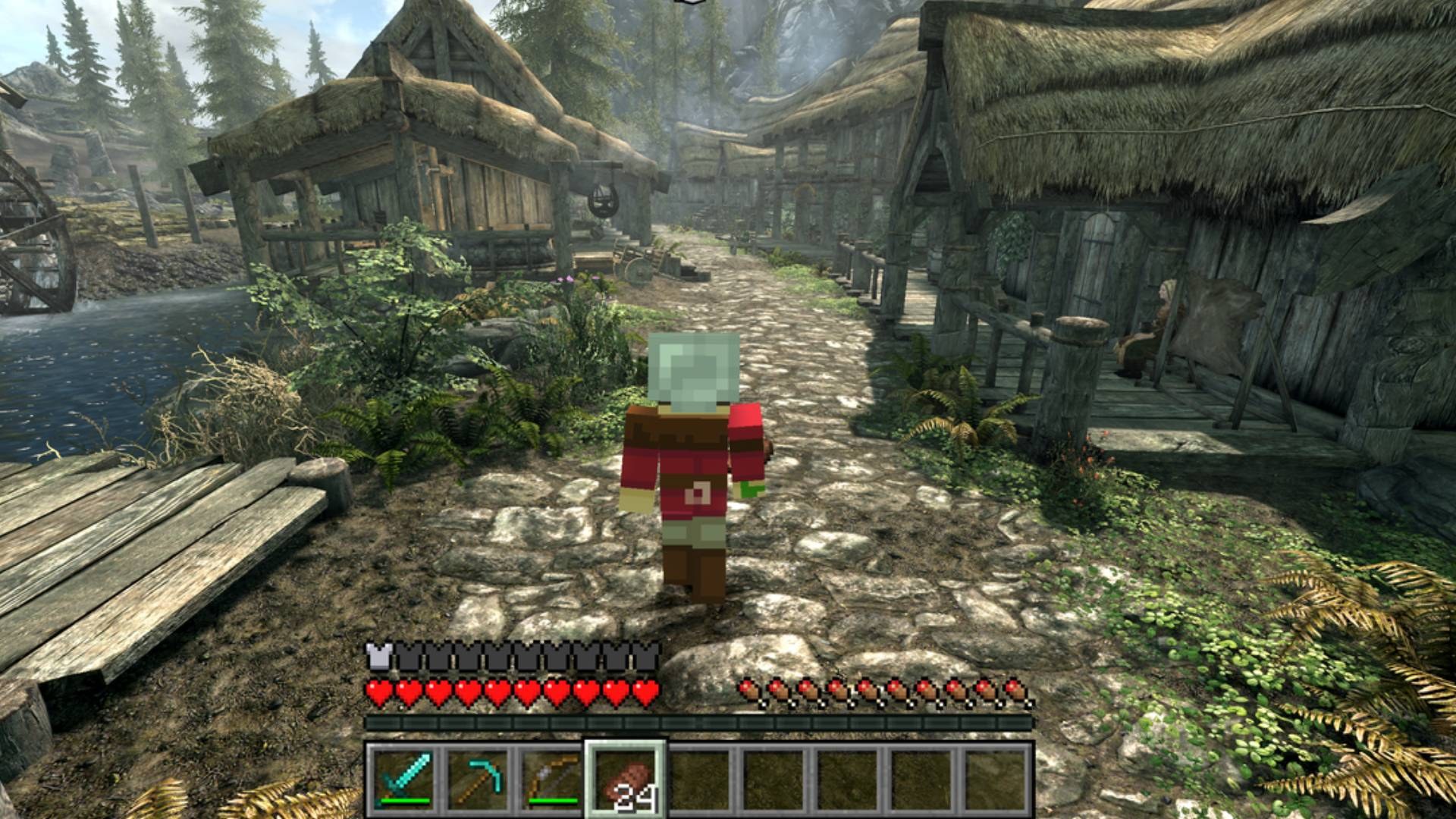
Play Skyrim as a Minecraft player: Minecraft movement, blocks, inventory and combat inside Skyrim's world. Both games run at once and talk through shared memory.
The project that started the passthrough wave. Neither game is rewritten: Minecraft runs hidden in the background and simulates the player, while Skyrim runs its world, NPCs and quests and draws everything.
Most passthrough mods since are ports of SkyCraft's design. Its docs/DESIGN.md is the best write-up of how the technique works.
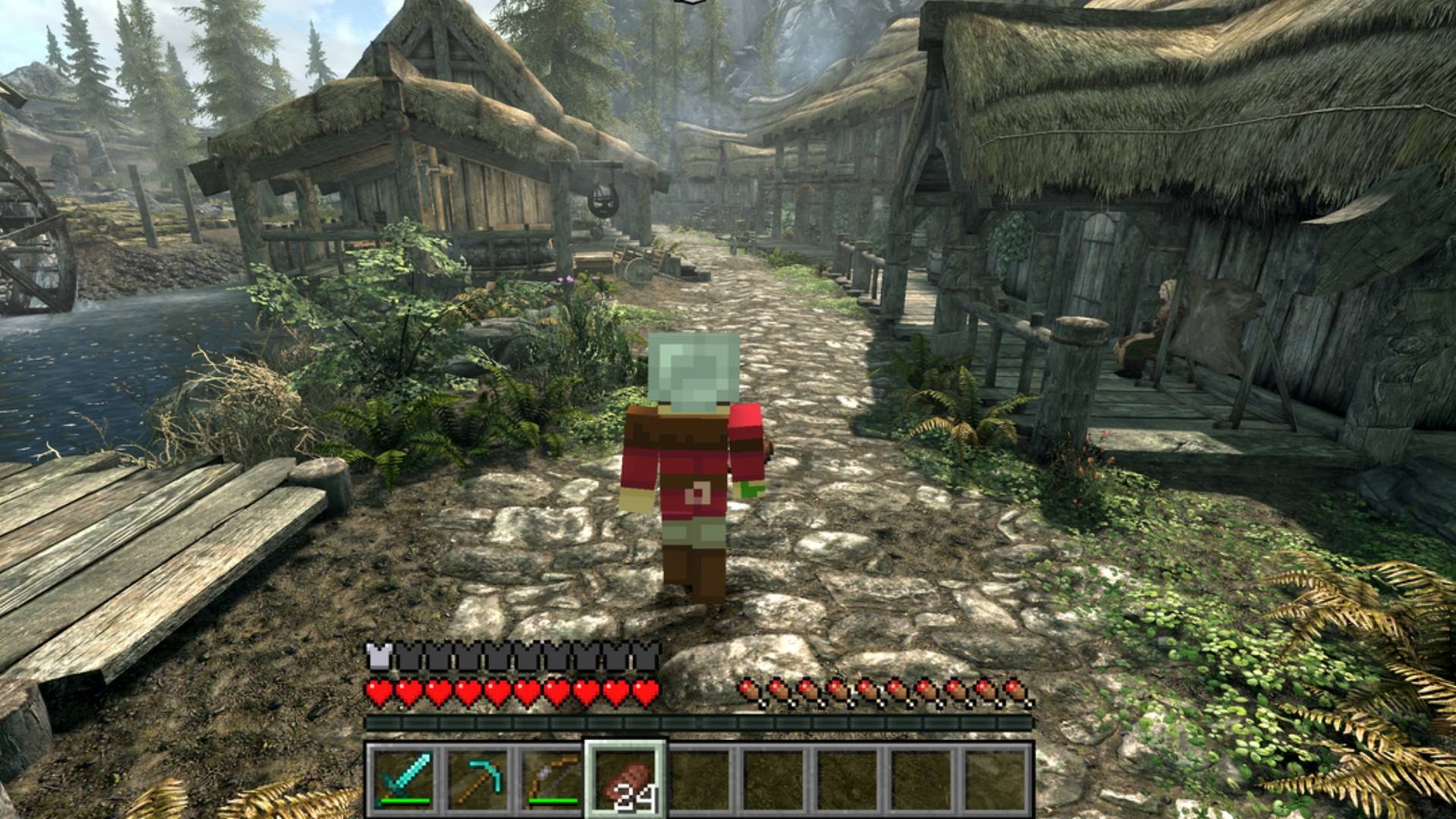
Play Skyrim as a Minecraft player. You move with Minecraft's physics, carry Minecraft's inventory and HUD, and place and break blocks in Skyrim's world. You fight Skyrim's NPCs with Minecraft weapons, and they fight back.
Neither game is rewritten. Minecraft runs its own game logic, and Skyrim runs its world, NPCs, quests and saves. A Skyrim SKSE plugin and a Minecraft Fabric mod talk to each other through shared memory. Minecraft runs hidden in the background, and Skyrim draws everything.
Status: early and experimental. Expect rough edges, and back up your saves. This is a fan project. It isn't affiliated with Mojang, Microsoft, Bethesda or ZeniMax, and you need to own both games.
sprinting, jumping, crouching, swimming and falling, and Skyrim's collision is fed into Minecraft's own collision.
with its sun, shadows, fog and weather. Minecraft lights (torches, lava, glowstone and so on) light up Skyrim.
What you dig out drops as the block it's made of (dirt under grass, then stone with ores, then bedrock), and the hole is real for you, NPCs and items. TNT, creepers and other explosions blow craters into Skyrim. Interiors and caves are solid stone behind their walls. What you dig is saved in your Minecraft world. Skyrim destruction: On/Off in the top left of the pause menu (O) turns it off (holes already dug stay).
and pistons move blocks.
water.
Damage is scaled to NPC level, and NPCs fight back.
One-Handed; axes and spears train Two-Handed; bows and anything thrown train Archery.
gives Skyrim's death camera with your Minecraft body ragdolling.
scenes hand control to Skyrim until they finish.
world over the internet (see Playing with friends).
Skyrim
| Skyrim Special Edition, Anniversary Edition runtime (1.6.x / 1.7.x) | Developed and tested on 1.7.104. Not SE 1.5.97, not VR. |
| SKSE64 | For your game version |
| Address Library for SKSE Plugins | The "All in one (Anniversary Edition)" file |
Heavily recommended: Alternate Start - Live Another Life. Skyrim's opening (the cart ride and Helgen) is heavily scripted and may not work with SkyCraft, so you can get stuck. Alternate Start skips it and lets you choose where your new character begins. Otherwise, play from a save made after Helgen.
Minecraft
You only need a Microsoft account that owns Minecraft: Java Edition. SkyCraft comes with everything else: a portable Prism Launcher set up with Minecraft 26.3, Fabric, Fabric API and the SkyCraft Minecraft mod. Prism downloads Minecraft and Java itself.
Minecraft runs hidden next to Skyrim. Budget about 3 GB of extra RAM, about 1.5 GB of disk for Minecraft's own files, and a GPU that runs Minecraft 26.3.
SkyCraft-.zip with Mod Organizer 2 or Vortex, like any SKSE plugin. %LOCALAPPDATA%\SkyCraft and a small Prism Launcher window asks you to sign in with your Microsoft account. Alt-Tab to it, sign in, then go back to Skyrim. Prism downloads Minecraft, Fabric and Java (a few minutes, first time only), and Skyrim's corner messages tell you when Minecraft is ready.
its SkyCraft world by itself (a new Survival world, created on your PC), and quits when Skyrim closes.
Updating: install the new SkyCraft zip over the old one. The next start updates the Minecraft side too and keeps your sign-in and your world.
Uninstalling: remove the mod, then delete %LOCALAPPDATA%\SkyCraft. That folder holds Prism, your Microsoft sign-in (Prism's), Minecraft's files and your SkyCraft world.
Data/SKSE/Plugins/SkyCraft.ini can point SkyCraft at your own Prism, MultiMC or .bat file instead:
[Minecraft]
bStartWithSkyrim = 1              ; 0: start Minecraft yourself, any way you like
sLauncher =                       ; empty: the Minecraft that comes with SkyCraft
sArguments = --launch SkyCraft    ; what your launcher needs to start the SkyCraft instance
Your instance needs Minecraft 26.3, Fabric Loader 0.19.5 or newer, Fabric API, Java 25 and skycraft-fabric-.jar (from the release), plus -Dskycraft.startHidden=true in its JVM arguments if it should stay hidden from the start. SkyCraft never starts a second Minecraft if one with the mod is already running. It starts Minecraft through Windows' shell, so under Mod Organizer Minecraft stays outside MO2's virtual file system and doesn't keep MO2 locked.
Everyone needs their own Skyrim with SkyCraft. Only the Minecraft world is shared: blocks, items, mobs and each other. Up to 100 players. Each player keeps their own Skyrim world, NPCs and quests.
SkyCraft's bundled e4mc puts a link like abc-def.e4mc.link in chat. Click it to copy it, then send it to your friends.
/join abc-def.e4mc.link. Your Minecraft leaves its own
world and joins the host's.
/leave goes back to your own world. If the host closes their world, you're put back in
yours automatically.
With Discord: your Discord status shows SkyCraft while you play. Once you've opened your world to LAN it has a Join button (and you can invite friends from a Discord chat). A friend with Skyrim and SkyCraft already running clicks it and joins you, no link needed.
Minecraft has priority. These keys still go to Skyrim:
| Key | Does |
|---|---|
| G | Skyrim activate: doors, NPCs (talk), containers, levers, furniture |
| Esc | Skyrim menu (or closes an open Minecraft screen) |
| J / M | Skyrim journal / map |
| H | Skyrim wait |
| F9 | Skyrim quickload (save from the Esc menu) |
| ~ | Skyrim console |
| O | Minecraft pause / options menu |
Every other key is Minecraft's: E inventory, F5 camera, T chat, / commands, Shift crouch/sneak, and so on.
Documents\My Games\Skyrim Special Edition\SKSE\SkyCraft.log says what.
For bug reports, set bDiagnostics = 1 in SkyCraft.ini for detailed logs.
or show an error.
%LOCALAPPDATA%\SkyCraft\Prism\instances\SkyCraft\.minecraft\logs\latest.log.
SkyCraft.log and that
latest.log.
You need to own Minecraft: Java Edition.
Alternate Start or a save made after Helgen.
Barrow. There's no in-game switch back to plain Skyrim yet. Closing Minecraft hands control back to Skyrim; Minecraft keeps what it last autosaved, every few minutes. Deal with the object, then restart Skyrim to bring Minecraft back.
another at the same coordinates.
can't hit their own Skyrim NPCs yet.
will conflict.
You need Visual Studio 2026 (C++), CMake 3.25+, Git, and JDK 25.
git clone --recursive  skycraft
cd skycraft
git clone https://github.com/microsoft/vcpkg .tools\vcpkg
.tools\vcpkg\bootstrap-vcpkg.bat

cd skse
cmake --preset default
cmake --build --preset release

cd ..\fabric
gradlew build

cd ..
powershell -ExecutionPolicy Bypass -File tools\package.ps1 -NoBuild
tools\package.ps1 builds both halves (drop -NoBuild) and writes the release files to dist\.
For development:
fabric\gradlew runClient starts a dev Minecraft that stays running when Skyrim closes.SKYCRAFT_DEPLOY_DIR (preset default: the MO2 mod folder mods\SkyCraft, if it exists),
each plugin build is copied straight into Mod Organizer.
docs\DESIGN.md explains how the two halves fit together, and protocol\skycraft_protocol.h
is the shared-memory layout both sides follow.
| Folder | |
|---|---|
skse/ | The Skyrim SKSE plugin (C++, CommonLibSSE-NG) |
fabric/ | The Minecraft Fabric mod (Java) |
protocol/ | The shared-memory protocol between them |
tools/ | Packaging, test stand-ins (fake_skyrim.py, fake_guest.py) and diagnostics |
From the project's repository, fetched . Images load from GitHub.
Fixes the lag from explosions, and adds a switch to turn Skyrim destruction off. Early and experimental, so back up your saves.
TNT, creepers and other explosions used to stall Minecraft's server for 2 to 6 seconds each: mobs, items and block breaking froze, then caught up. Working out what Skyrim was made of around each blast was doing far more work than it needed to. It's now fast, with the same craters as before.
Skyrim destruction: On/Off is in the top left of the pause menu (press O).
%LOCALAPPDATA%\SkyCraft\Prism\instances\SkyCraft\.minecraft\config\skycraft.properties.SkyCraft.log now has a perf: line every minute with Skyrim's frame times and how long SkyCraft's parts take. If the game lags for you, please send that log.
SkyCraft-0.1.2.zip: the mod. Install it with Mod Organizer 2 or Vortex over the old version. It updates the Minecraft side by itself and keeps your Minecraft world.skycraft-fabric-0.1.2.jar: the Minecraft mod on its own, only if you use your own launcher (see the README).SkyCraft-0.1.2-pdb.zip: debug symbols for crash logs. Most people don't need it.Heavily recommended: Alternate Start - Live Another Life. Skyrim's opening (the cart ride and Helgen) may not work with SkyCraft, so you can get stuck. Alternate Start skips it.
See the README for controls, settings and known limitations.
Digging into Skyrim, and a fix for Minecraft never connecting. Early and experimental, so back up your saves.
javaw.exe in Task Manager) once after updating.If it still doesn't connect, please report it with Documents\My Games\Skyrim Special Edition\SKSE\SkyCraft.log and %LOCALAPPDATA%\SkyCraft\Prism\instances\SkyCraft\.minecraft\logs\latest.log.
SkyCraft-0.1.1.zip: the mod. Install it with Mod Organizer 2 or Vortex like any SKSE plugin, over 0.1.0. It updates the Minecraft side by itself and keeps your Minecraft world.skycraft-fabric-0.1.1.jar: the Minecraft mod on its own, only if you use your own launcher (see the README).SkyCraft-0.1.1-pdb.zip: debug symbols for crash logs. Most people don't need it.Heavily recommended: Alternate Start - Live Another Life. Skyrim's opening (the cart ride and Helgen) may not work with SkyCraft, so you can get stuck. Alternate Start skips it.
See the README for controls, settings and known limitations.
First release. Play Skyrim as a Minecraft player: Minecraft's movement, inventory, HUD, blocks and combat inside Skyrim's world. Early and experimental, so back up your saves.
SkyCraft-0.1.0.zip: the mod. Install it with Mod Organizer 2 or Vortex like any SKSE plugin. It includes everything for the Minecraft side.skycraft-fabric-0.1.0.jar: the Minecraft mod on its own, only if you use your own launcher (see the README).SkyCraft-0.1.0-pdb.zip: debug symbols for crash logs. Most people don't need it.Heavily recommended: Alternate Start - Live Another Life. Skyrim's opening (the cart ride and Helgen) is heavily scripted and may not work with SkyCraft, so you can get stuck. Alternate Start skips it and lets you choose where your new character begins. Otherwise, play from a save made after Helgen.
Start Skyrim through SKSE. A small Prism Launcher window asks you to sign in with your Microsoft account once. Alt-Tab to it, sign in, and go back to Skyrim. Minecraft downloads (first time only), then runs hidden with Skyrim from then on.
The host presses O, Open to LAN, Start LAN World, and shares the e4mc link from chat. Friends type /join <link> in chat (T), or click Join on the host's Discord status. /leave goes back to your own world. Up to 100 players. Everyone needs their own Skyrim with SkyCraft; only the Minecraft world is shared.
See the README for controls, settings and known limitations.
Did it work on your PC? A quick report tells other players which versions are safe to try.
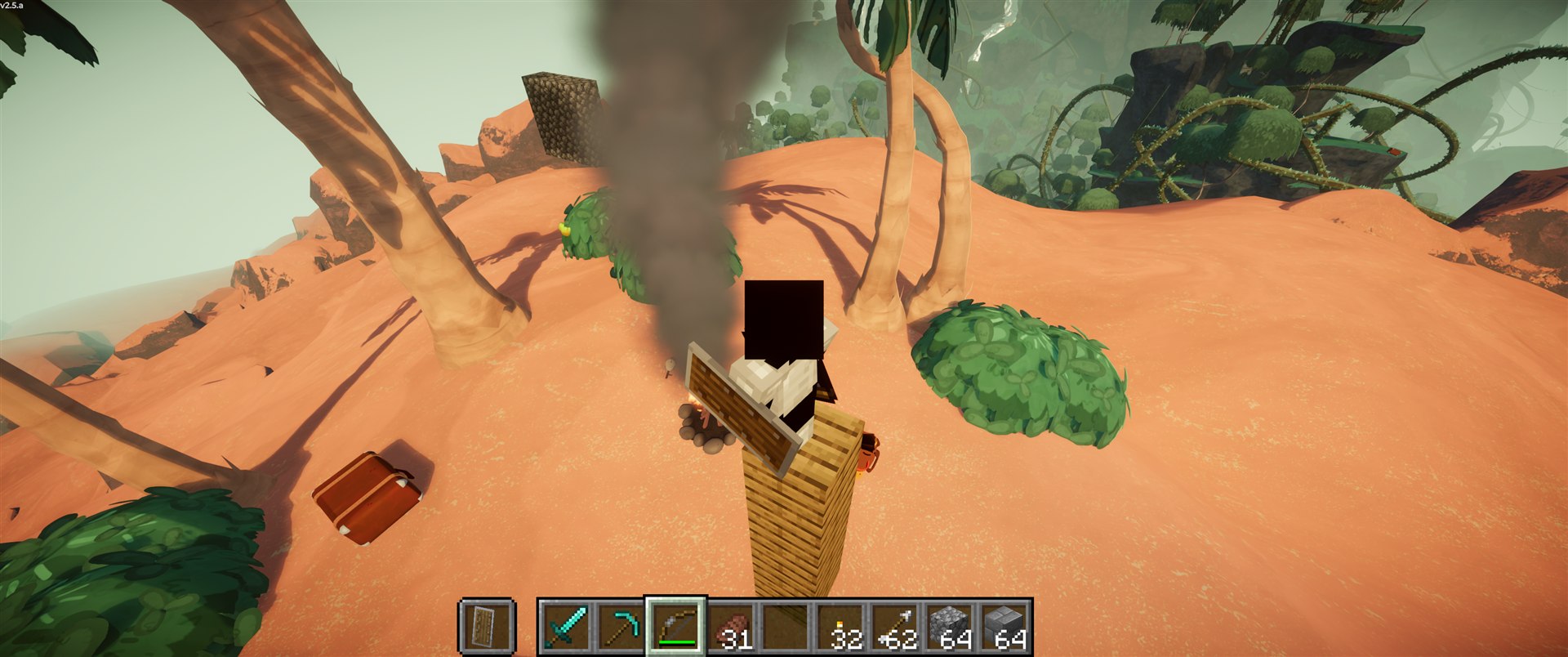
Play Valheim's world as a Minecraft player: Minecraft movement, inventory, blocks, combat and chat inside Valheim's terrain, weather and dungeons.
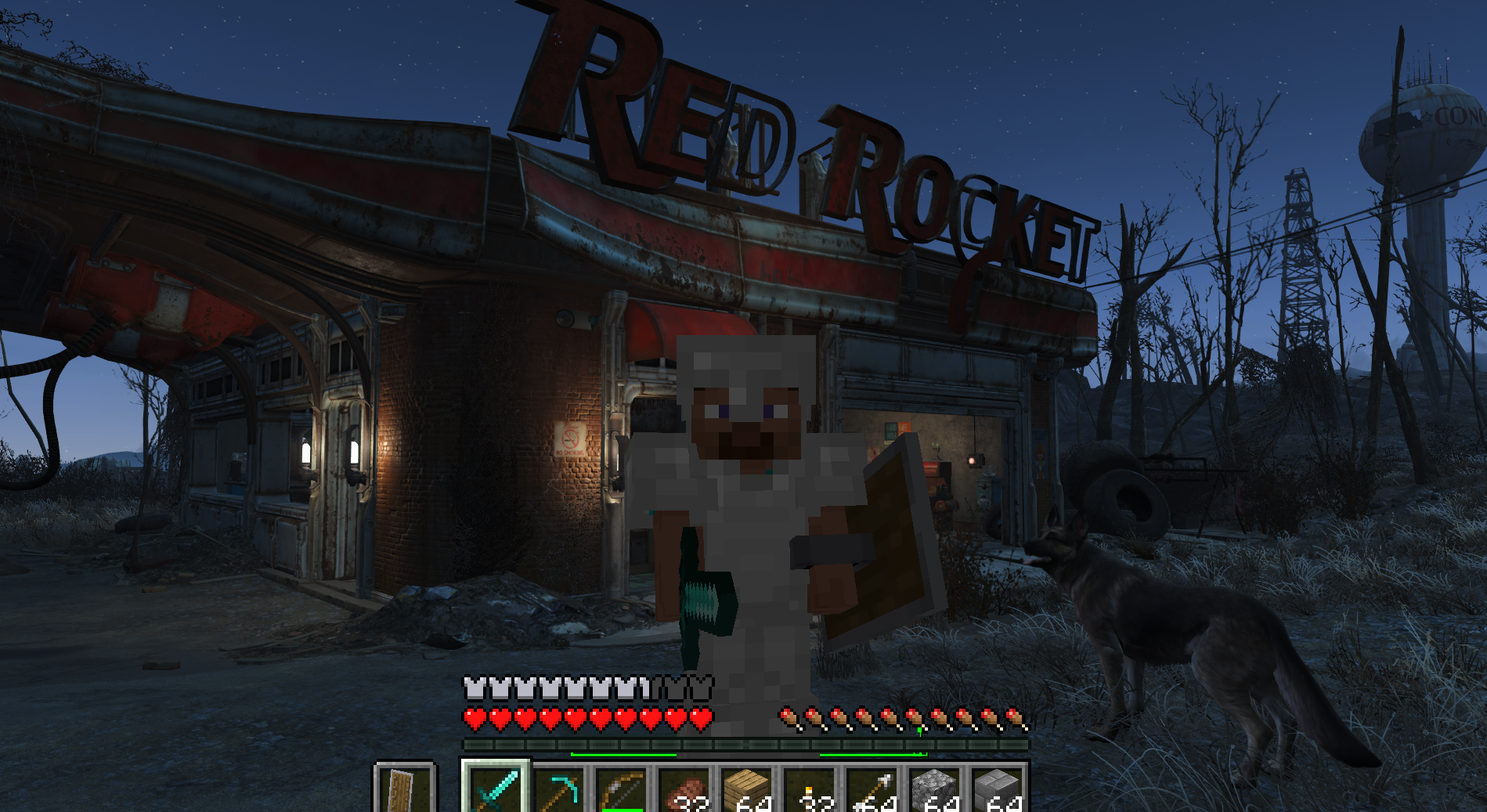
Play Fallout 4 as a Minecraft player: Minecraft physics, inventory, blocks and combat inside Fallout's world (F4SE plugin + Fabric mod).
Fly to a planet in Outer Wilds, press F6, and play real Minecraft there: build, mine and light TNT on Timber Hearth.
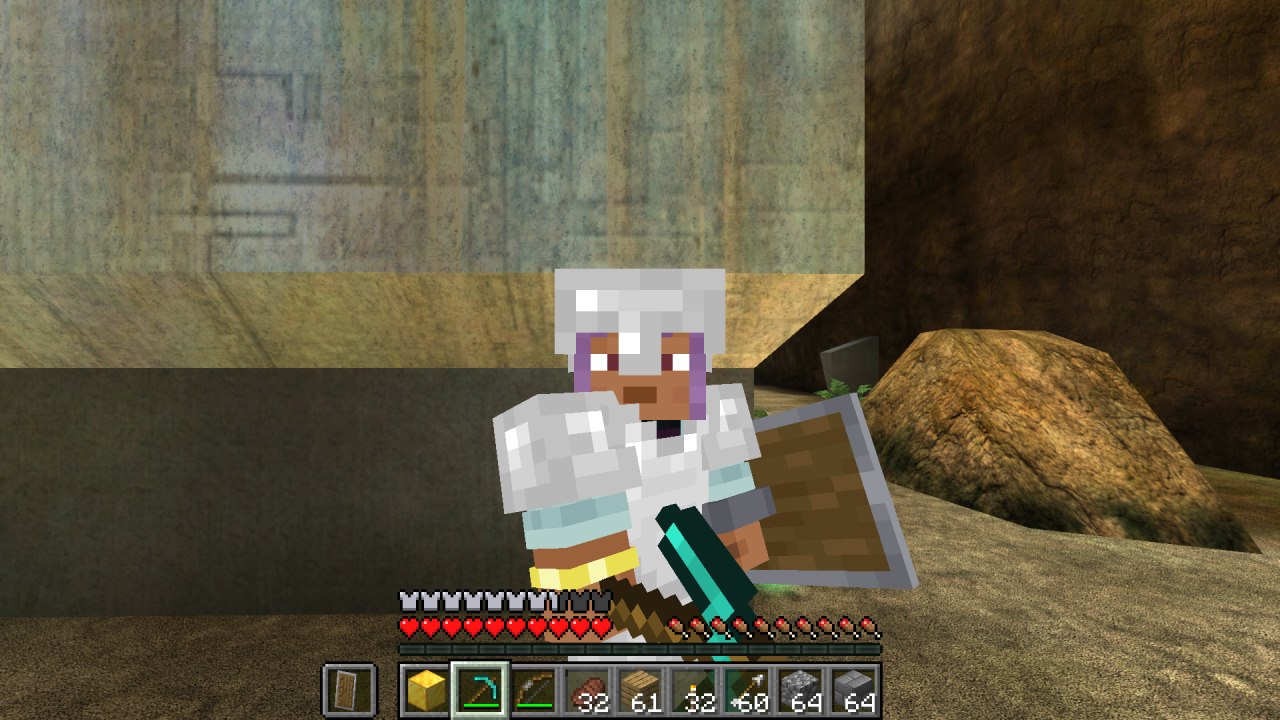
Minecraft inside Halo: Combat Evolved (MCC). Build, mine and fight on Halo's levels with real Minecraft mechanics, drawn by Halo itself.
Play Subnautica as a Minecraft player. A hidden Minecraft owns the player; Subnautica owns the world and draws every pixel, including Minecraft's blocks and mo…
Play PEAK as a Minecraft player. A port of SkyCraft (Minecraft in Skyrim) to PEAK.
Minecraft Java physics and gameplay inside 64-bit Garry's Mod. Minecraft controls the player; GMod supplies the map, props, input and camera.
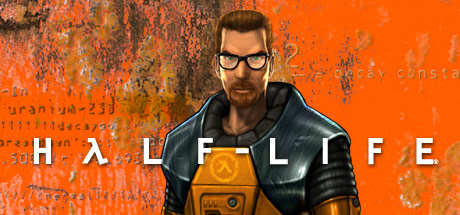
Play Half-Life as Steve, with Minecraft running your movement: a port of SkyCraft to Half-Life.
Play Left 4 Dead as a Minecraft player: Minecraft physics, inventory, blocks and combat inside Left 4 Dead's world.
A SkyCraft compatibility port and friend installer for the All the Mods 10: To the Sky 2.0.6 modpack.
No posts yet. Ask a question, share your setup or post a clip.
Sign in to post