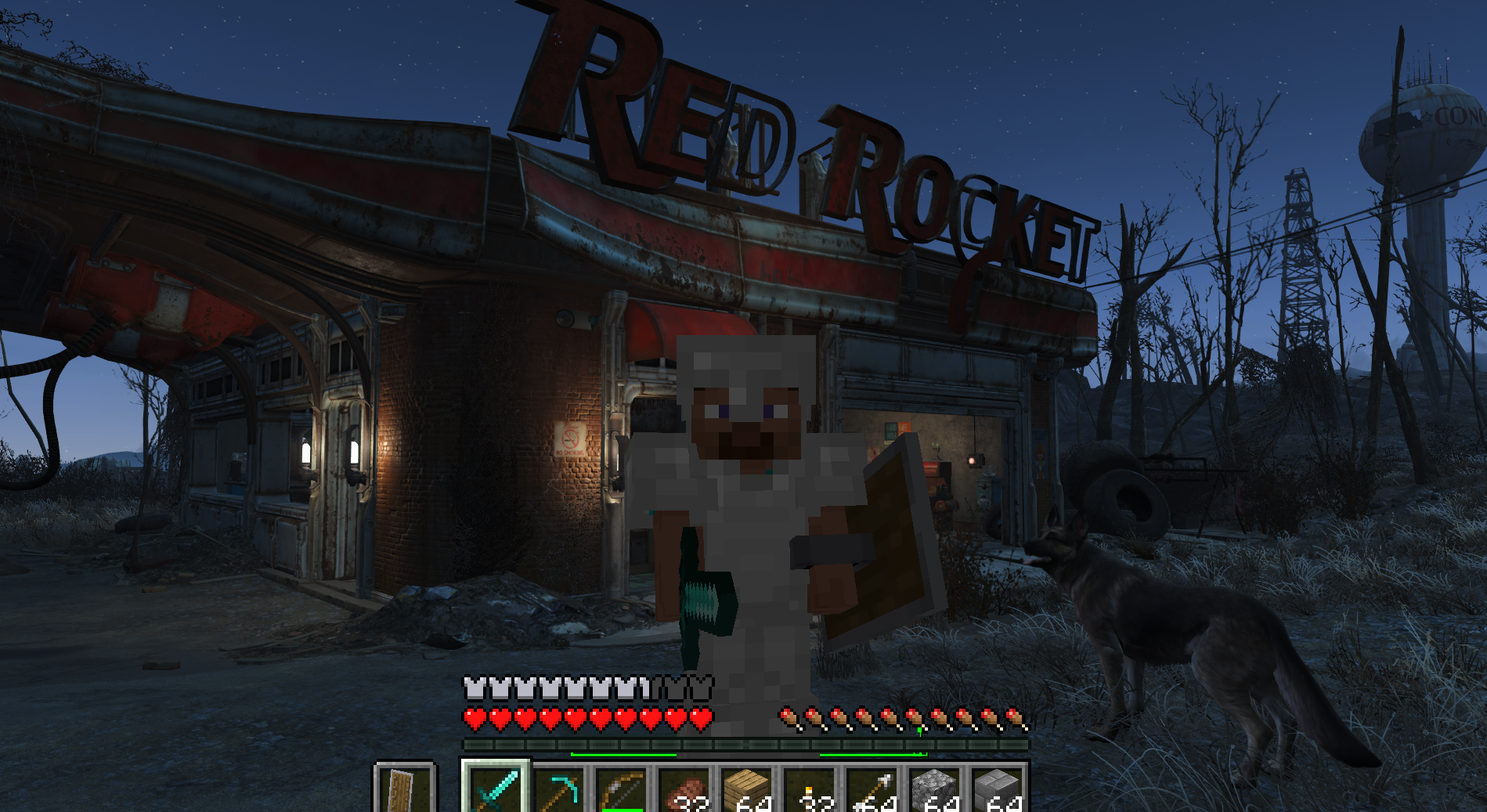
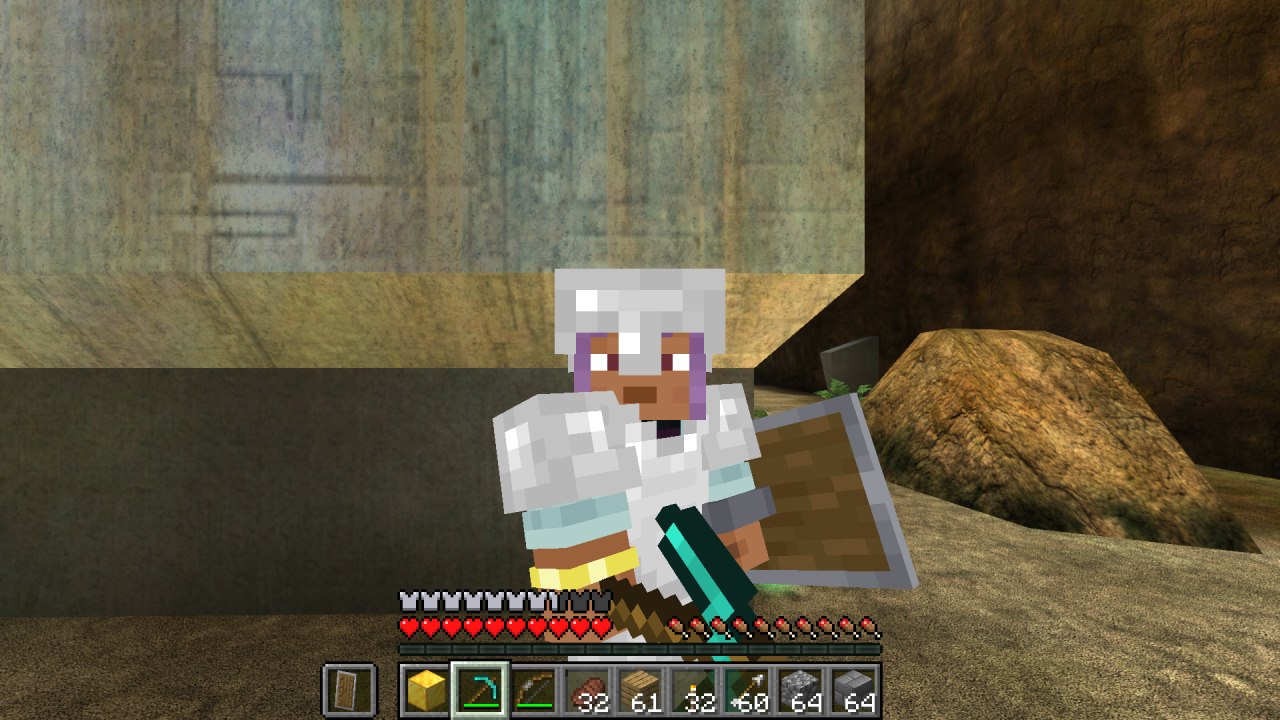
ValCraft
Play Valheim's world as a Minecraft player: Minecraft movement, inventory, blocks, combat and chat inside Valheim's terrain, weather and dungeons.
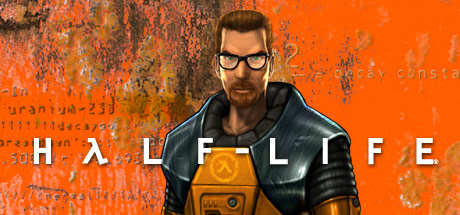
Play Half-Life as Steve, with Minecraft running your movement: a port of SkyCraft to Half-Life.
Play Half-Life as Steve, with Minecraft running your movement: a port of SkyCraft (Minecraft-in-Skyrim) to Half-Life See the README below for details.
Play Half-Life as Steve, with real Minecraft running your player. It's a port of SkyCraft (Minecraft-in-Skyrim) to Half-Life.
Half-Life and Minecraft run side by side. Minecraft is hidden: its physics move you through Half-Life's maps, its blocks, items, mobs and arrows are drawn inside Half-Life, and its hotbar, inventory and menus show over Half-Life's screen. Half-Life's monsters and breakables can be hit with Minecraft weapons, and they hurt you back in Minecraft.
half_life in config.yaml if it's somewhere else.pip install pillow pyyamlskin in config.yaml to any 64x64 skin PNG.In Git Bash:
git clone https://github.com/SawyerTheNerd/Minecraft-X-HalfLife.git
cd Minecraft-X-HalfLife
bash tools/build_tools.sh      # sources, model tools and Java (a few minutes)
python build.py --install      # builds the mod and installs it into Half-Life
tools/build_tools.sh does three things:
hlsdk/ and SkyCraft into skycraft/, at pinned commits, and applies the changes in patches/mdldec and studiomdlpython play.py # Hazard Course
python play.py c1a0 # or any mappython build.py --install again.--install added to Half-Life, run python build.py --uninstall.Minecraft's keys, played from the Half-Life window:
| Key | Action |
|---|---|
| WASD, Space | Move, jump |
| Shift | Sneak. Hold it walking into a gap too low to crouch through (vents, pipes) to crawl. |
| Ctrl | Sprint |
| Mouse buttons | Attack and mine; use and place |
| 1–9, mouse wheel | Hotbar |
| E | Inventory |
| G | Half-Life's use (buttons, doors) |
| O | Minecraft's pause menu |
| F5 | Third person |
| Esc, F6, F9, ~ | Half-Life's menu, quicksave, quickload, console |
Settings are in config.yaml:
minecraft:
dev (default): Minecraft runs from the source in skycraft/, offline as minecraft_name, with no login.account: uses SkyCraft's release with your Microsoft account. This release doesn't include this project's Minecraft-side changes (crawling, mob pathfinding).half_life, skin: see Requirements.Half-Life plays the part SkyCraft's Skyrim plugin normally plays, speaking SkyCraft's shared-memory protocol (Local\SkyCraft_v1, defined in skycraft/protocol/skycraft_protocol.h). One Minecraft block is 40 Half-Life units, so Gordon's 72-unit height is Steve's 1.8 blocks.
| Piece | Where | Job |
|---|---|---|
| Map collision | link/bsp_collision.cpp, link/collision_stream.cpp | Sends the map's faces to Minecraft as exact triangles, plus the invisible clip brushes (fences, railings) taken from the player hull. Doors, lifts and other brush entities are updated as they move. |
| Client link | link/mclink_client.cpp | Look direction, teleports, keys and the cursor, water, the third-person camera, level changes |
| Server link | link/mclink_server.cpp | Half-Life's monsters and breakables become hittable in Minecraft; damage and death are shared between the games |
| Drawing | link/world_render_gl.cpp, link/overlay_gl.cpp | Minecraft's blocks, entities and player model drawn in Half-Life's world (lit by Half-Life's light), and Minecraft's screen over Half-Life's |
| Movement | link/mclink_shared.cpp, plus a hook in pm_shared.c | While linked, Gordon's position is Minecraft's, interpolated between its physics ticks |
| Steve models | steve/*.py | Boxes in the Minecraft skin layout, rigged to Half-Life's skeletons: arms on every weapon, a body, a multiplayer model |
| Engine hooks | patches/hlsdk.patch | The calls from Half-Life's client and server code into link/ |
| Minecraft side | patches/skycraft.patch | Crouching and crawling under Half-Life geometry, mob pathfinding on it, a body that faces where you look, no digging into the map |
To check the map conversion offline, run link/test/bsp_test.cpp: it converts a map and verifies the collision stream and the clip-brush surfaces.
These are tracked in TASKMANAGER.md.
account mode lacks the Minecraft-side changes (see Settings).tools/fetch_sources.sh downloads it, then applies patches/skycraft.patch.patches/hlsdk.patch.mdldec from xash3d-fwgs, and Valve's studiomdl.From the project's repository, fetched . Images load from GitHub.
No releases yet. Follow the project to hear when the first one comes out.
Did it work on your PC? A quick report tells other players which versions are safe to try.
Built on SkyCraft.
Play Valheim's world as a Minecraft player: Minecraft movement, inventory, blocks, combat and chat inside Valheim's terrain, weather and dungeons.
Play Fallout 4 as a Minecraft player: Minecraft physics, inventory, blocks and combat inside Fallout's world (F4SE plugin + Fabric mod).
Fly to a planet in Outer Wilds, press F6, and play real Minecraft there: build, mine and light TNT on Timber Hearth.
Minecraft inside Halo: Combat Evolved (MCC). Build, mine and fight on Halo's levels with real Minecraft mechanics, drawn by Halo itself.
Play Left 4 Dead as a Minecraft player: Minecraft physics, inventory, blocks and combat inside Left 4 Dead's world.
Play Subnautica as a Minecraft player. A hidden Minecraft owns the player; Subnautica owns the world and draws every pixel, including Minecraft's blocks and mo…
No posts yet. Ask a question, share your setup or post a clip.
Sign in to post