ValCraft
Play Valheim's world as a Minecraft player: Minecraft movement, inventory, blocks, combat and chat inside Valheim's terrain, weather and dungeons.

Minecraft Java physics and gameplay inside 64-bit Garry's Mod. Minecraft controls the player; GMod supplies the map, props, input and camera.
Ports SkyCraft's collision, input, camera, water and rendering methods to Source. Placed blocks, fluids, projectiles, torches and Minecraft mobs render in Source; Minecraft weapons hit Source NPCs and props, and Source NPCs fight Minecraft mobs. Toggle it from the spawn menu.
Minecraft Java physics inside 64-bit Garry's Mod. Minecraft runs as a separate process and controls the player. Garry's Mod supplies the map, props, input, and camera.
The bridge ports SkyCraft's collision, input, camera, water, and rendering methods. Placed blocks, fluids, projectiles, particles, torches, and Minecraft mobs now render in Source. Minecraft weapons can hit Source NPCs and props. Source NPCs can target and damage Minecraft mobs. See feature coverage and remaining work before treating a feature as complete. Read the architecture for process boundaries, thread ownership, and native compatibility limits.
Use an isolated 64-bit GMod installation with a .garrycraft-lab marker at its root. Close that installation before setup. Prepare the local runtime once with PowerShell 7:
.\tools\Setup-Lab.ps1 -LabPath "$env:LOCALAPPDATA\GarryCraft\gmod-lab"Double-click GarryCraft.cmd at the repository root, or open the printed GarryCraft.lnk shortcut. If the configured GMod installation already runs, the launcher activates its existing window. Load a single-player map through GMod's normal menu. The shortcut starts the tested 1920×1080 windowed mode. Use GMod's video settings to change it. The addon starts Minecraft and reads that map's collision data automatically. Normal launches do not run Gradle or rebuild code. The prepared runtime contains local copies of its classes and libraries. It still uses the downloaded Minecraft asset cache and Java installation. Do not upload this generated runtime or game assets.
Use Spawn Menu > Utilities > GarryCraft to enable or disable the bridge. The garrycraft_menu console command opens the same controls. garrycraft_enable and garrycraft_disable also work directly. Disable saves Minecraft, restores Source movement and the previous weapon, and releases the bridge input. The choice persists across maps and GMod restarts. Disconnecting or closing GMod also saves and stops the owned Minecraft process. A startup or collision error leaves GMod usable and appears in the control panel. Managed sessions allow up to two minutes for Minecraft loading stalls before stopping the bridge. Disable and GMod exit still request a save immediately. A Minecraft process exit also stops the bridge.
Each map keeps its world and inventory under /worlds//minecraft/saves/GarryCraft. Minecraft options use %LOCALAPPDATA%\GarryCraft\settings. Use -SettingsPath for separate test preferences. Repeated enable requests reuse the existing process. Map changes save the old world before starting the next one. Read /launcher-.log and the map's minecraft-stderr.log if startup fails.
The play shortcut permits Workshop addons. Test commands use -noworkshop and explicitly copied addons. Source weapons remain installed, and Disable restores the selected weapon. Minecraft controls the equipped weapon while the bridge runs. Physics, camera, or HUD addons can conflict with the same hooks. Compatibility requires testing each addon combination. Map collision discovery has no map allowlist. A map must expose readable Source collision geometry. These features do not certify every map, game mode, or addon. GarryCraft currently supports Windows x64 single-player.
Setup-Lab.ps1 requires the isolated installation's .garrycraft-lab marker. It does not replace a daily-driver installation. Rerun setup after rebuilding the mod to update the prepared runtime.
Set up GarryCraft with my installed Minecraft Java and 64-bit Garry's Mod. Read AGENTS.md and the protocol first. Use an isolated Source test installation and separate Minecraft worlds. Run tools/Setup-Lab.ps1 with the isolated installation and Java 25 paths to build, install, and prepare automatic startup. Open GarryCraft.cmd at the repository root, then load a single-player map. Verify that Minecraft starts automatically and that Disable restores normal Source play. Test at the map spawn and use the map's own slopes and water. Save traces before reporting results. Extract any required assets from my installation locally. Never upload game files or account data.
Build requirements: Windows x64, Visual Studio 2022 C++ tools, CMake, and Java 25. The Fabric build pins Minecraft 26.3. The Gradle wrapper downloads its own dependencies.
Use an isolated copy of 64-bit GMod. Add a .garrycraft-lab marker at that installation's root. tools/Install-Lab.ps1 requires this marker and refuses to replace DLLs while that installation runs.
Build, install, and start an owned Minecraft world with:
.\tools\Play-Lab.ps1 -LabPath "$env:LOCALAPPDATA\GarryCraft\gmod-lab" -FreshWorldThe script requires Java 25 at its configured path. Pass -JavaHome to use another Java 25 installation. Add -Test to run the bounded entity, world, TNT, and AI scenario. Collect paired JSON traces with tools/Collect-Lab.ps1 -RunRoot. The collector rejects incomplete or mismatched Source and Minecraft traces. Tests and screenshots stay outside tracked source. Play-Lab.ps1 selects manual test mode. Rerun Setup-Lab.ps1 to restore automatic startup. Manual launchers resolve Windows redirected paths before starting either game. Source consumes each test command once. Use tools/Test-BridgePaths.ps1 -GamePid -LabPath -RunRoot to check paths and command replay.
Run garrycraft_test terrain to check buckets, fire, native NPC environmental damage, and visible mining effects. Collect that scenario with tools/Collect-Terrain.ps1 -RunRoot. Run garrycraft_test damage and tools/Collect-Damage.ps1 -RunRoot for eight damage directions. Run garrycraft_test polish and tools/Collect-Gameplay.ps1 -RunRoot -LabPath for idle mobs, armor, water animation, and native-wall flow. Use bare garrycraft_test for the same-input vanilla physics comparisons, including fast descending and elytra cases. Use tools/Test-PhysicsCleanup.ps1 with the owned game PID, lab path, and fresh run directory to check safe completion afterward. Use tools/Test-ScenarioHandoff.ps1 with the same arguments to check cleanup between physics, lighting, and damage scenarios. See map gameplay tests for native prop, footstep, and export benchmarks. Use tools/Test-NpcTargeting.ps1 -GamePid -LabPath -RunRoot to check creative NPC targeting. The test requires a linked manual session, cheats enabled in both games, and a fresh owned world. It saves paired Source and Minecraft snapshots plus artifacts/npc-targeting-result.json. Use tools/Test-Resolution.ps1 -RunRoot for owned video-mode changes. Run garrycraft_test responsiveness and tools/Collect-Responsiveness.ps1 to check menu scrolling, creative search, and client input delivery. Copy tests/particle-reload.lua to the owned lab's DATA directory and load it with client RunString before garrycraft_test reload. Collect paired atlas-resize traces with tools/Collect-ParticleReload.ps1 -RunRoot -LabPath. Run garrycraft_test lighting in a fresh gm_construct world, then use tools/Collect-Lighting.ps1 for torch checks. Use tools/Test-UiInput.ps1 -GamePid -LabPath -RunRoot for creative search and repeated chat completion through Windows keyboard and mouse input. Use tools/Test-Performance.ps1 with the same arguments for awake prop counts, frame intervals, and bridge packing costs. Copy tests/moving-geometry.lua to the lab DATA directory and execute it on the server. tools/Collect-MovingGeometry.ps1 compares received collision and actor records with Source's public APIs. Copy tests/native-meshes.lua to DATA and execute it on the client to compare native and public mesh pixels and construction costs. Use tools/Test-Architecture.ps1 with the same arguments to check off-range block removal. Use tools/Test-LightingCleanup.ps1 to cancel the lighting scenario while shadows are disabled and verify restoration of the archived shadow setting and native player flag. To check stationary torch visibility through moving native brushes, copy tests/native-light-visibility.lua to the owned lab's DATA directory as garrycraft-native-light-visibility.lua. Use a fresh linked single-player gm_construct session with cheats enabled. Run this server console command:
lua_run do GarryCraft.Stop() local p=Entity(1) p:SetMoveType(MOVETYPE_NOCLIP) p:SetPos(Vector(1200,-200,1024)) RunString(file.Read("garrycraft-native-light-visibility.lua","DATA")) p:SendLua('RunString(file.Read("garrycraft-native-light-visibility.lua","DATA"))') endThis stops the bridge and moves the test player near an owned brush fixture. After four seconds, read DATA's garrycraft-native-light-visibility.json for five checks and per-frame engine traces. Run garrycraft_test_mob_budget, then garrycraft_test_mob_cleanup, and collect both with tools/Collect-MobBudget.ps1. After setup, use tools/Test-Startup.ps1 -LabPath -RuntimeRoot -GamePid for the managed map cycle. tools/Test-Lifecycle.ps1 uses the same arguments and tests missing configuration, startup disconnect, automatic reconnect, and host exit. Both scripts write JSON results beside the runtime. The lifecycle test closes its owned GMod process. Add -AbruptExit to test cleanup after an abrupt host stop. Use tools/Test-RuntimeSharing.ps1 -RuntimeRoot to test locked status and shutdown files with a fresh Minecraft world.
Minecraft mirror profiles share %LOCALAPPDATA%\GarryCraft\settings\options.txt. Pass -PgarrycraftSettings= to runClient for separate test settings. Fresh worlds retain your saved settings. New profiles default to Unlimited FPS. GMod defaults to 240 FPS while the bridge runs. Frame reports record percentiles and long frames in both games. Current measurements do not prove stable 240 FPS. See the test record.
The native texture uploader and mesh fast path verify the tested Windows x64 GMod engine identities. An engine update can require a module update. Unsupported client layouts use public mesh calls; unsupported material-system layouts stop texture creation with a clear error. Minecraft meshes use native occlusion queries for ambient and local torch lighting. Planar player and block shadows have a bounded caster budget. They do not wrap arbitrary walls or replace Source's baked map lighting. Install matching versions of both DLLs, the Lua addon, and the Fabric mod. Use an isolated single-player game and a separate Minecraft profile.
Universal Modder supplies game research and test tools. No FAL key is required. This repository contains source code only. See third-party notices for upstream licenses.
From the project's repository, fetched . Images load from GitHub.
No releases yet. Follow the project to hear when the first one comes out.
Did it work on your PC? A quick report tells other players which versions are safe to try.
Built on SkyCraft.
Play Valheim's world as a Minecraft player: Minecraft movement, inventory, blocks, combat and chat inside Valheim's terrain, weather and dungeons.
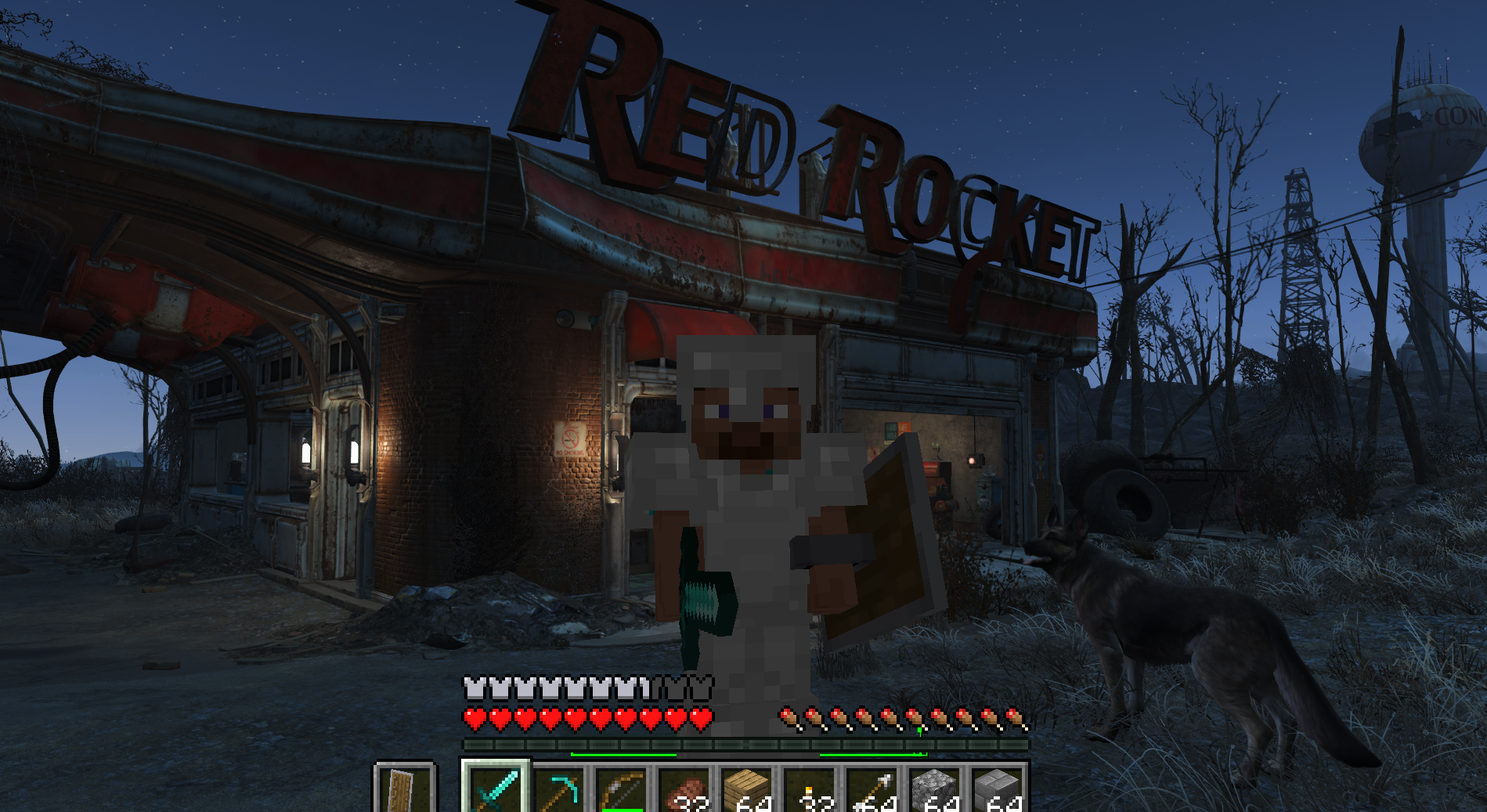
Play Fallout 4 as a Minecraft player: Minecraft physics, inventory, blocks and combat inside Fallout's world (F4SE plugin + Fabric mod).
Fly to a planet in Outer Wilds, press F6, and play real Minecraft there: build, mine and light TNT on Timber Hearth.
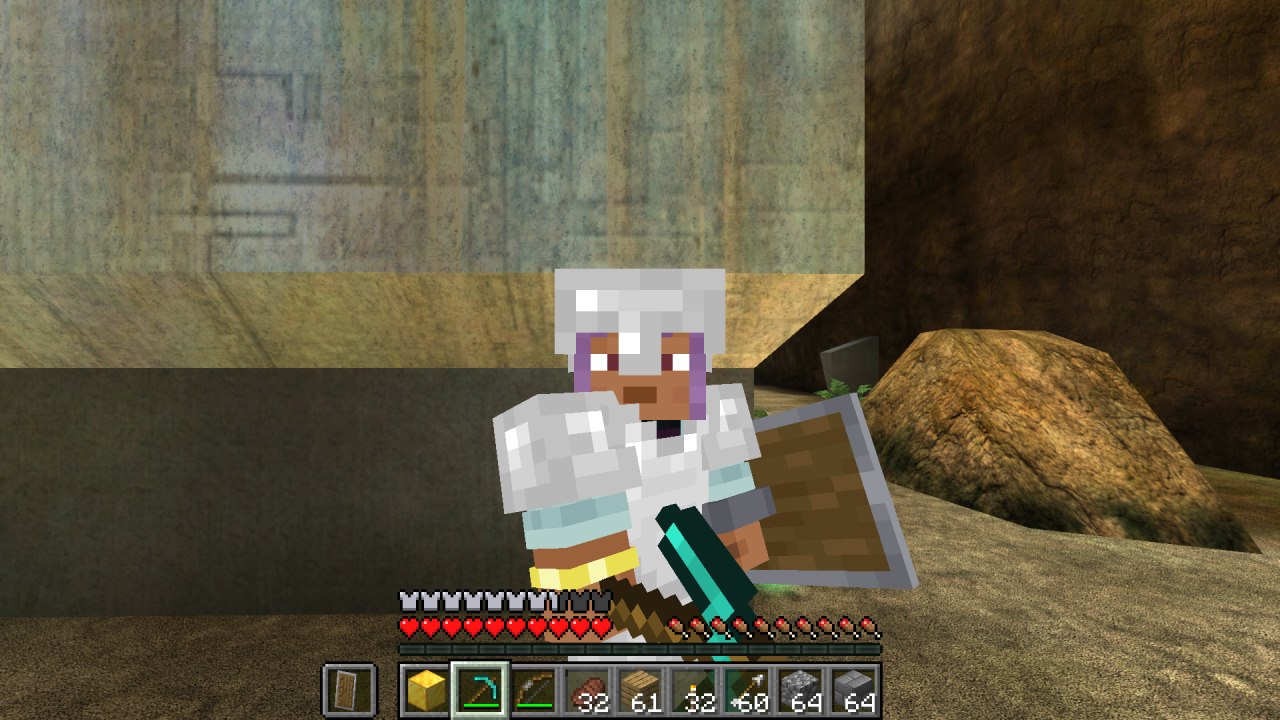
Minecraft inside Halo: Combat Evolved (MCC). Build, mine and fight on Halo's levels with real Minecraft mechanics, drawn by Halo itself.
Play Left 4 Dead as a Minecraft player: Minecraft physics, inventory, blocks and combat inside Left 4 Dead's world.
Play Subnautica as a Minecraft player. A hidden Minecraft owns the player; Subnautica owns the world and draws every pixel, including Minecraft's blocks and mo…
No posts yet. Ask a question, share your setup or post a clip.
Sign in to post