ValCraft
Play Valheim's world as a Minecraft player: Minecraft movement, inventory, blocks, combat and chat inside Valheim's terrain, weather and dungeons.
A SkyCraft compatibility port and friend installer for the All the Mods 10: To the Sky 2.0.6 modpack.
SkyCraft compatibility port and friend installer for ATM10 To the Sky 2.0.6 See the README below for details.
SkyCraft ATM10Sky is an unofficial compatibility project inspired by and based on chasmlol/SkyCraft. It adapts that Minecraft-in-Skyrim idea to All the Mods 10: To the Sky 2.0.6 on Minecraft 1.21.1 and NeoForge 21.1.250.
The goal is simple: play Skyrim while ATM10Sky supplies the blocks, inventory, machines, mobs, rendering, and shared Minecraft progression. Each player still has their own Skyrim world, NPCs, quests, and save file.
This is an experimental fan project. It is not affiliated with the ATM team, Mojang, Microsoft, Bethesda, ZeniMax, or the original SkyCraft author. Back up both your Skyrim saves and Minecraft server before updating.
Use the newest package on the Releases page. The ZIP contains a double-click friend installer, a double-click server-address changer, a friendly host server launcher, a short START-HERE.txt, the Vortex patch, server preparation script, licenses, and a detailed setup guide.
It does not redistribute Skyrim, Minecraft, the complete ATM10Sky modpack, or account credentials. Every player must obtain those from their official sources.
Install-Client.ps1 finds that installation and copies it into an isolated
SkyCraft Prism Launcher profile.
SkyCraft ATM10SKY profile automatically.
world state with Skyrim while both games keep running their own logic.
The installer uses Windows environment paths, supports a custom CurseForge location, asks for the server address, and selects a memory limit based on the PC's installed RAM. Skyrim SE/AE makes this a Windows-only project, but it does not assume a particular Windows username or install drive.
Every player first installs Skyrim SE/AE, matching SKSE64 and Address Library, normal SkyCraft 0.1.2, Minecraft Java Edition, and ATM10 To the Sky 2.0.6. Then:
INSTALL-ATM10SKY.cmd and enter the server address when asked.localhost:25565; friends enter the host's current
e4mc.link address.
For each multiplayer session, the host starts the prepared server once, waits for Done, and opens SERVER-ADDRESS.txt. Friends run CHANGE-SERVER-ADDRESS.cmd if that address changed, then everyone launches Skyrim through SKSE. The first ATM10Sky client load can take several minutes.
The recommended setup uses the official ATM10Sky 2.0.6 dedicated-server pack plus the included Prepare-Server.ps1. e4mc supplies a public join address without router port forwarding.
The dedicated server normally autosaves its world, player inventories, FTB teams and quests, and mod data. Always enter stop in its console before closing it, and back up the complete server folder before updates.
Treat the e4mc address like an invitation link: anyone who has it can attempt to join while the server is running. Private hosts should enable Minecraft's whitelist and add each friend's exact Java Edition username. All players must stay on ATM10Sky 2.0.6 and the same SkyCraft release; do not update individual mods on only one computer.
New players receive one balanced kit: iron armor, iron sword, pickaxe, axe and shovel, 16 cooked beef, and 16 torches. ATM10Sky quests and guidebooks remain available normally; no diamond gear or large free building kit is supplied.
See the ATM10Sky setup guide for prerequisites, client and server installation, joining friends, troubleshooting, and exact compatibility details.
skse/ — Skyrim SKSE plugin and ATM10Sky launch configuration.neoforge121/ — Minecraft 1.21.1 NeoForge bridge.atm10sky/ — portable client/server installers and release builder.protocol/ — shared-memory protocol used by the two sides.The project is distributed under the MIT License. See THIRD-PARTY-NOTICES.md for upstream attribution and third-party components.
From the project's repository, fetched . Images load from GitHub.
Windows usability update for ATM10 To the Sky 2.0.6. Removes the hidden Minecraft renderer from the taskbar and normal Alt-Tab list without minimizing it or triggering GPU background throttling. The host launcher now refuses duplicate server starts, requires Java 21 exactly, and disables automatic crash-restart loops. Includes the client installer, address changer, server preparer, and Vortex patch.
Friend-setup and progression update. Normal gameplay shows only Skyrim: the Minecraft window and Prism console remain hidden. The ZIP now includes START-HERE.txt and a double-click INSTALL-ATM10SKY.cmd, so friends do not need PowerShell knowledge. The installer searches common CurseForge locations, accepts custom paths, asks for the server address, and selects memory based on installed RAM. New players receive a balanced one-time iron kit. Official third-party games, modpacks, and account files are not redistributed.
Tested compatibility package for ATM10 To the Sky 2.0.6 on Minecraft 1.21.1 / NeoForge 21.1.250. Includes the friend client installer, Vortex patch, dedicated-server preparation script, and e4mc support. The ATM10Sky profile launches automatically with no vanilla/modded prompt. Download the ZIP below and follow README.md; each player must install the official Skyrim, SkyCraft, and ATM10Sky prerequisites separately.
Did it work on your PC? A quick report tells other players which versions are safe to try.
Built on SkyCraft.
Play Valheim's world as a Minecraft player: Minecraft movement, inventory, blocks, combat and chat inside Valheim's terrain, weather and dungeons.
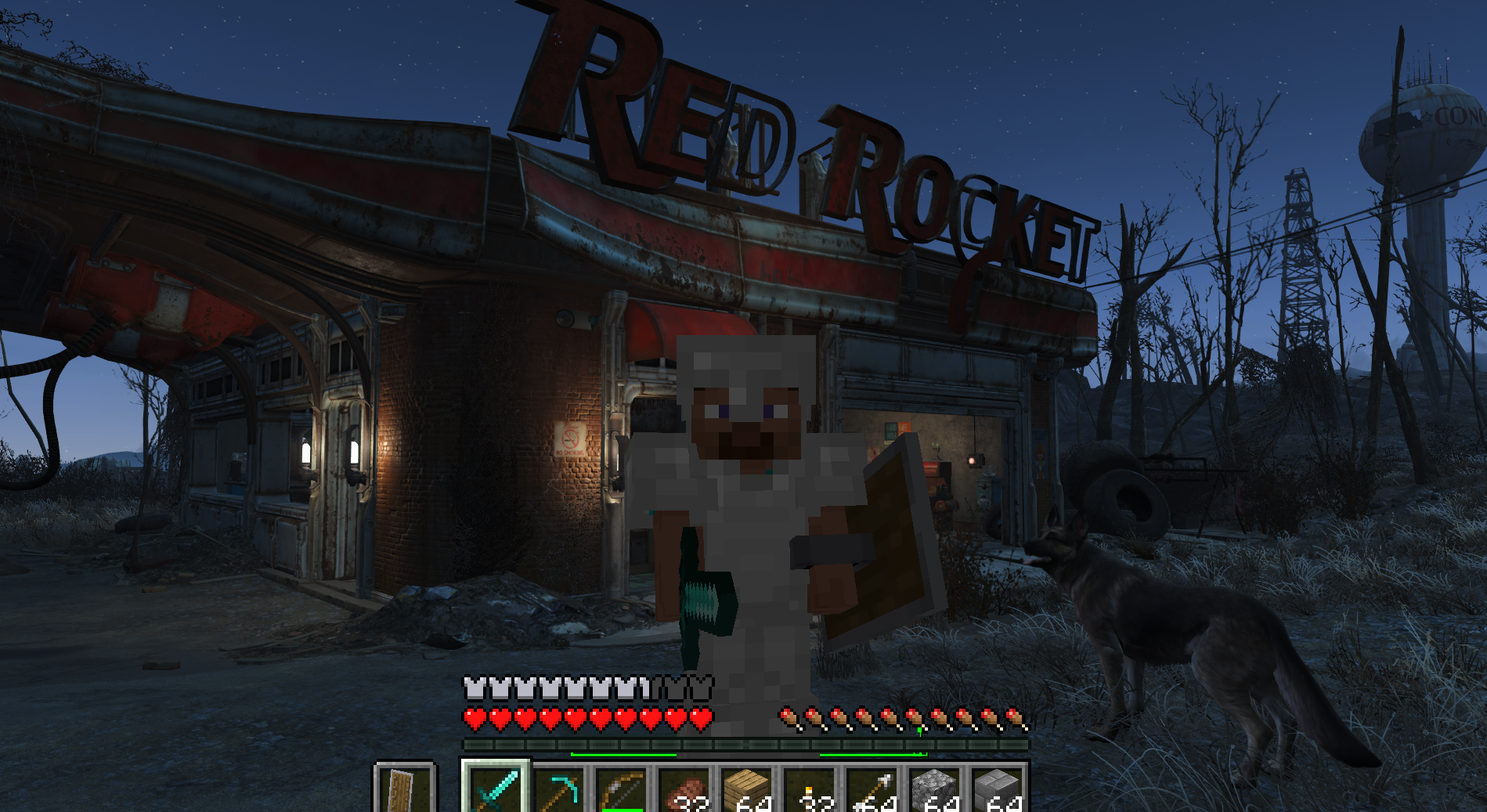
Play Fallout 4 as a Minecraft player: Minecraft physics, inventory, blocks and combat inside Fallout's world (F4SE plugin + Fabric mod).
Fly to a planet in Outer Wilds, press F6, and play real Minecraft there: build, mine and light TNT on Timber Hearth.
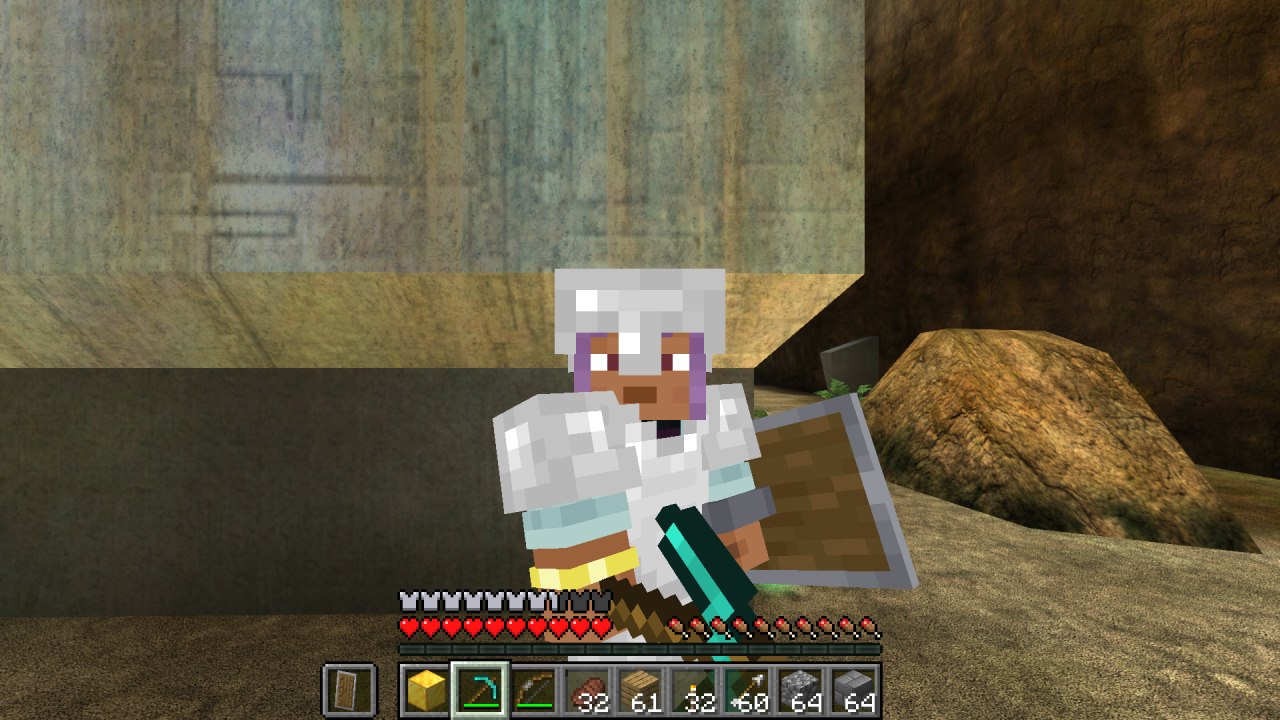
Minecraft inside Halo: Combat Evolved (MCC). Build, mine and fight on Halo's levels with real Minecraft mechanics, drawn by Halo itself.
Play Subnautica as a Minecraft player. A hidden Minecraft owns the player; Subnautica owns the world and draws every pixel, including Minecraft's blocks and mo…
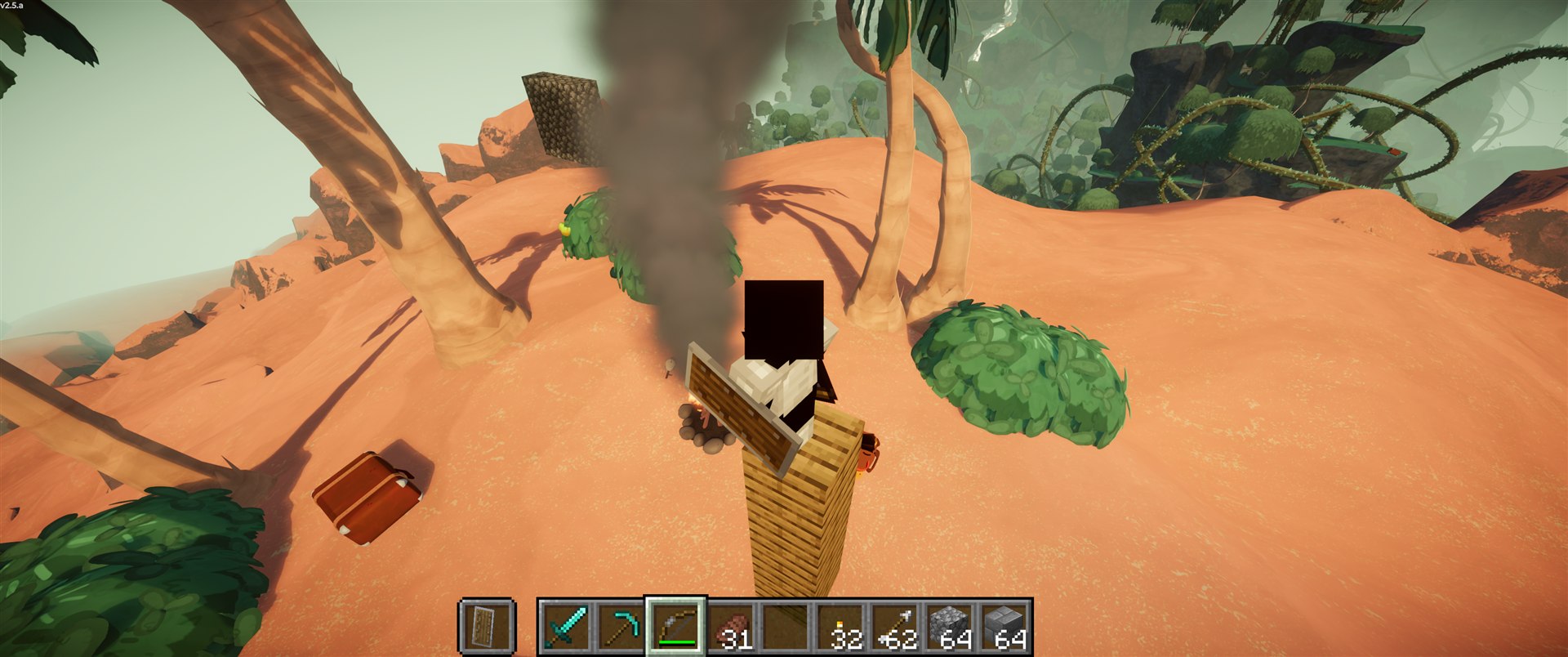
Play PEAK as a Minecraft player. A port of SkyCraft (Minecraft in Skyrim) to PEAK.
No posts yet. Ask a question, share your setup or post a clip.
Sign in to post