ValCraft
Play Valheim's world as a Minecraft player: Minecraft movement, inventory, blocks, combat and chat inside Valheim's terrain, weather and dungeons.

Fly to a planet in Outer Wilds, press F6, and play real Minecraft there: build, mine and light TNT on Timber Hearth.
Minecraft + Outer Wilds / Passthrough mod See the README below for details.
Fly your ship to a planet, get out, press F6, and you're playing real Minecraft there. Break and place blocks, open your inventory, light TNT, and build a house on Timber Hearth. Press F6 again to get back into your spacesuit. The house stays on the planet.
This is a passthrough mod, built on chasmlol's SkyCraft (Minecraft in Skyrim). Both games run at the same time and talk over shared memory:
screens on top.
See docs/DESIGN.md for how it works.
Status: experimental, but playable. It has been tested on one Windows PC: building, TNT and walking around planets work at 60 fps. Expect rough edges (see Known limitations).
You need Windows, Outer Wilds (Steam) and Minecraft Java Edition.
start Outer Wilds from it once.
Yaekai.OWCraft-.zip from
Releases. Unzip it into %AppData%\OuterWildsModManager\OWML\Mods\, so you get a Mods\Yaekai.OWCraft folder.
Minecraft 26.3. Put two files in your .minecraft\mods folder:
skycraft-+owcraft..jar from Releases;planet supplies the ground.
Each patch of planet maps to its own fixed area of the Minecraft world, so whatever you build is saved by Minecraft. It is still there after time loops and restarts.
Settings (Mod Manager):
| Setting | Default | What it does |
|---|---|---|
| Toggle key | F6 | Enter and leave Minecraft mode |
| Minecraft menu key | O | Open Minecraft's pause menu |
| Minecraft mode FPS cap | 60 | Outer Wilds frame cap while in Minecraft mode |
| Minecraft walk speed | 6.0 | Walking speed in m/s (vanilla Minecraft is 4.3) |
| Verbose logging | off | Extra diagnostics in the OWML log |
You need the .NET SDK and a JDK 25.
Outer Wilds side:
dotnet build host/OWCraft.csproj -c ReleaseIf Outer Wilds isn't in the default Steam folder, add -p:GameDir="D:\Games\Outer Wilds". When the Mod Manager is installed, the build copies OWCraft.dll, manifest.json and default-config.json into %AppData%\OuterWildsModManager\OWML\Mods\Yaekai.OWCraft.
Minecraft side: SkyCraft's Fabric mod plus guest/skycraft-owcraft.patch. The patch:
Local\OWCraft_v1 link, no "Skyrim destruction" (Outer Wilds can't
carve its planets), Minecraft keeps running when Outer Wilds closes, and no Discord status;
mobs and items around you along;
hasn't streamed in yet (instead of letting them fall into the void);
git clone https://github.com/chasmlol/SkyCraft.git
cd SkyCraft
git checkout bfcaf178524b92c2cdeb88e4ce0f13ef9ded6f32
git apply path/to/OWCraft/guest/skycraft-owcraft.patch
cd fabric
./gradlew build       # the jar lands in build/libs
./gradlew runClient # or run it straight from sourcehost/: the OWML mod (C#). Link/ holds the shared-memory protocol, World/ the planet tiles,
collision and rendering, Player/ the movement, input and commands, UI/ the overlay.
guest/: the patch to SkyCraft's Fabric mod.tests/VoxelTest: a unit test for the collision voxelizer.tools/check-logs.py: reads both games' logs after a play test and lists known problems.docs/DESIGN.md: the architecture.CHANGELOG.md: what changed in each release.MODLOG.md: the full development log, test by test.This mod was written by an AI (Claude, by Anthropic), directed and play-tested by Yaekai. It ports SkyCraft's Skyrim-side design to Outer Wilds. MODLOG.md records what was done and verified, and THIRD-PARTY-NOTICES.md what was ported.
No game files, decompiled code or Minecraft assets are in this repository. Textures come from your own Minecraft at runtime.
MIT (LICENSE). Parts ported from SkyCraft are MIT too; see THIRD-PARTY-NOTICES.md.
From the project's repository, fetched . Images load from GitHub.
OWCraft 0.1.1: smoother flight, third person, and Giant's Deep's islands.
Experimental: tested on one Windows PC so far. Please report problems in Issues, and attach your OWML log and Minecraft's logs/latest.log.
What's new
F5 third person: Minecraft's own player body is drawn on the planet, and the Outer Wilds body is hidden while you're in Minecraft mode.
Smoother elytra: far fewer jumps between planet tiles while flying, so less lag and rubber-banding. The freezes in mid-air every few seconds are fixed.
Giant's Deep's islands: you can build on them. Fly off one and you carry on over Giant's Deep.
Creative and Spectator: your Outer Wilds body no longer suffocates or takes damage.
No footstep sounds while flying or falling.
Arrows, tridents and dropped items are drawn.
Mobs walk over the planet's surface, and wait instead of falling into the void where the ground hasn't loaded yet.
Fewer collision hitches, and tools/check-logs.py to check both games' logs after playing.
Install
Outer Wilds: install the Outer Wilds Mod Manager.
Unzip Yaekai.OWCraft-0.1.1.zip into %AppData%\OuterWildsModManager\OWML\Mods\ (replace the old Yaekai.OWCraft folder).
Minecraft: install Fabric Loader for Minecraft 26.3. Put skycraft-0.1.2+owcraft.5.jar and Fabric API (for 26.3) in .minecraft\mods. Remove the older skycraft-...+owcraft.1.jar.
Start Minecraft (Fabric profile), then Outer Wilds. Land on a planet and press F6.
Controls in Minecraft mode:
O opens Minecraft's menu.
F5 switches to third person.
Esc pauses, or closes a Minecraft screen.
F6 goes back to Outer Wilds.
Known limitations
While flying over Giant's Deep after leaving an island, the islands aren't solid for Minecraft. Land on one and press F6 again to build there.
Translucent blocks (glass, water, ice) are drawn opaque.
The Minecraft world doesn't follow Outer Wilds' day/night.
What's in it
The skycraft jar is chasmlol's SkyCraft (MIT), with the OWCraft patch (guest/skycraft-owcraft.patch).
Written by an AI (Claude, by Anthropic), directed and play-tested by Yaekai.
No game files or Minecraft assets are included.
Play real Minecraft on Outer Wilds planets. Land, press F6, and build.
Experimental: tested on one Windows PC so far. Please report problems in Issues, and attach your OWML log and Minecraft's logs/latest.log.
Install
Outer Wilds: install the Outer Wilds Mod Manager.
Unzip Yaekai.OWCraft-0.1.0.zip into %AppData%\OuterWildsModManager\OWML\Mods\.
Minecraft: install Fabric Loader for Minecraft 26.3. Put skycraft-0.1.2+owcraft.1.jar and Fabric API (for 26.3) in .minecraft\mods.
Start Minecraft (Fabric profile), then Outer Wilds. Land on a planet and press F6.
Controls in Minecraft mode:
O opens Minecraft's menu.
Esc pauses, or closes a Minecraft screen.
F6 goes back to Outer Wilds.
What's in it
The skycraft jar is chasmlol's SkyCraft (MIT), with a small OWCraft patch (guest/skycraft-owcraft.patch).
Written by an AI (Claude, by Anthropic), directed and play-tested by Yaekai.
No game files or Minecraft assets are included.
Did it work on your PC? A quick report tells other players which versions are safe to try.
Built on SkyCraft.
Play Valheim's world as a Minecraft player: Minecraft movement, inventory, blocks, combat and chat inside Valheim's terrain, weather and dungeons.
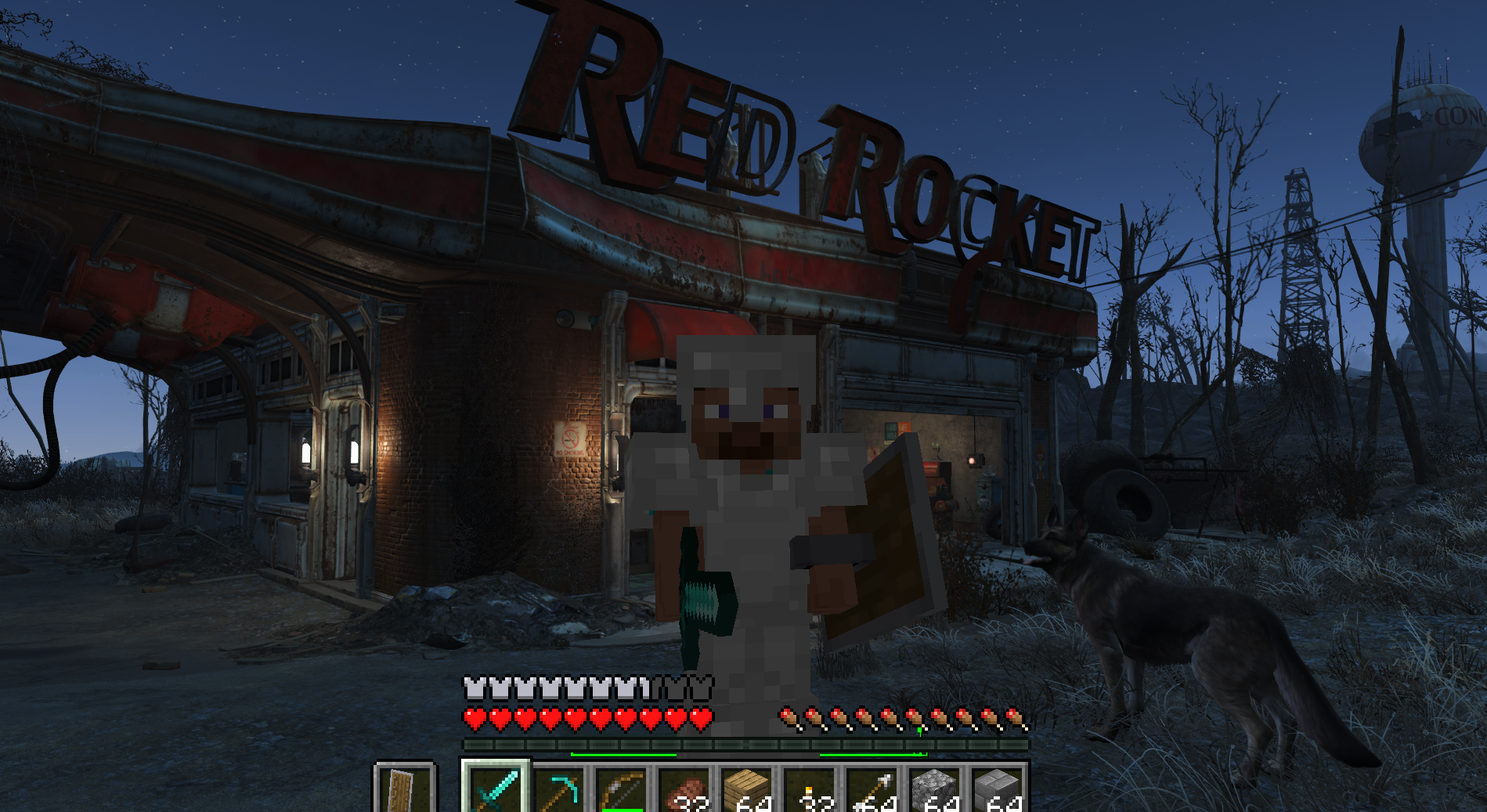
Play Fallout 4 as a Minecraft player: Minecraft physics, inventory, blocks and combat inside Fallout's world (F4SE plugin + Fabric mod).
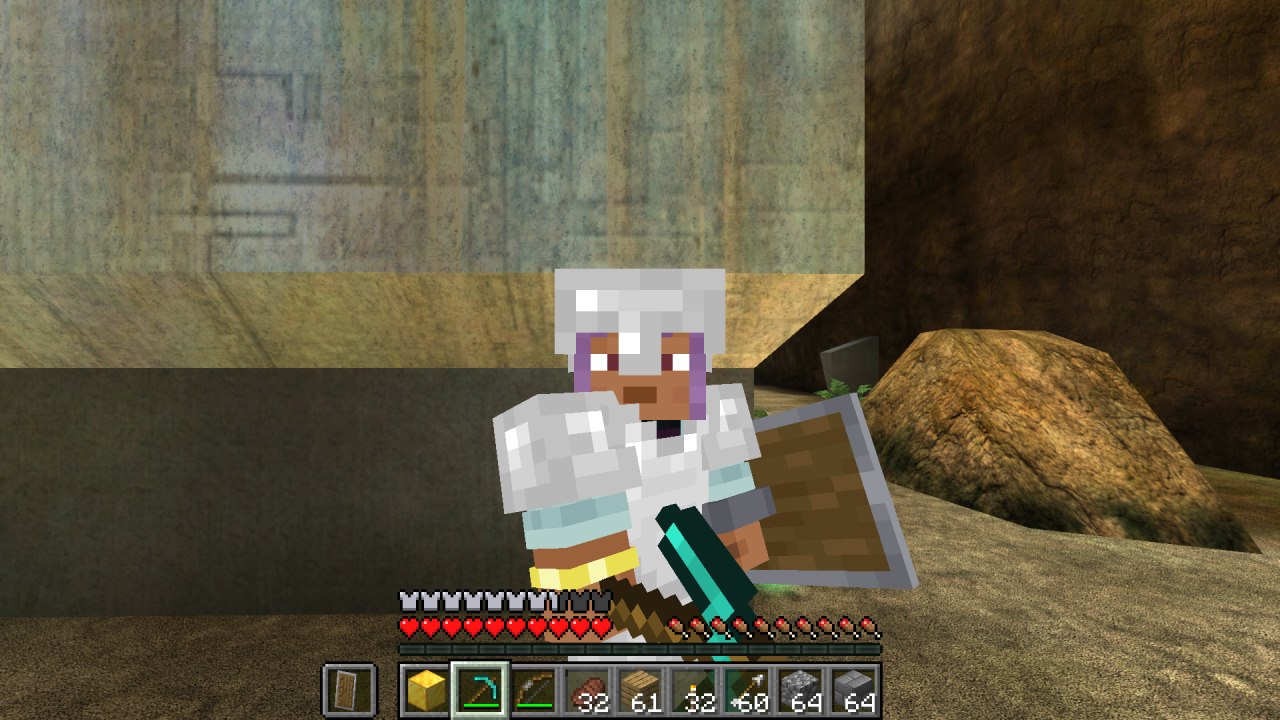
Minecraft inside Halo: Combat Evolved (MCC). Build, mine and fight on Halo's levels with real Minecraft mechanics, drawn by Halo itself.
Play Subnautica as a Minecraft player. A hidden Minecraft owns the player; Subnautica owns the world and draws every pixel, including Minecraft's blocks and mo…
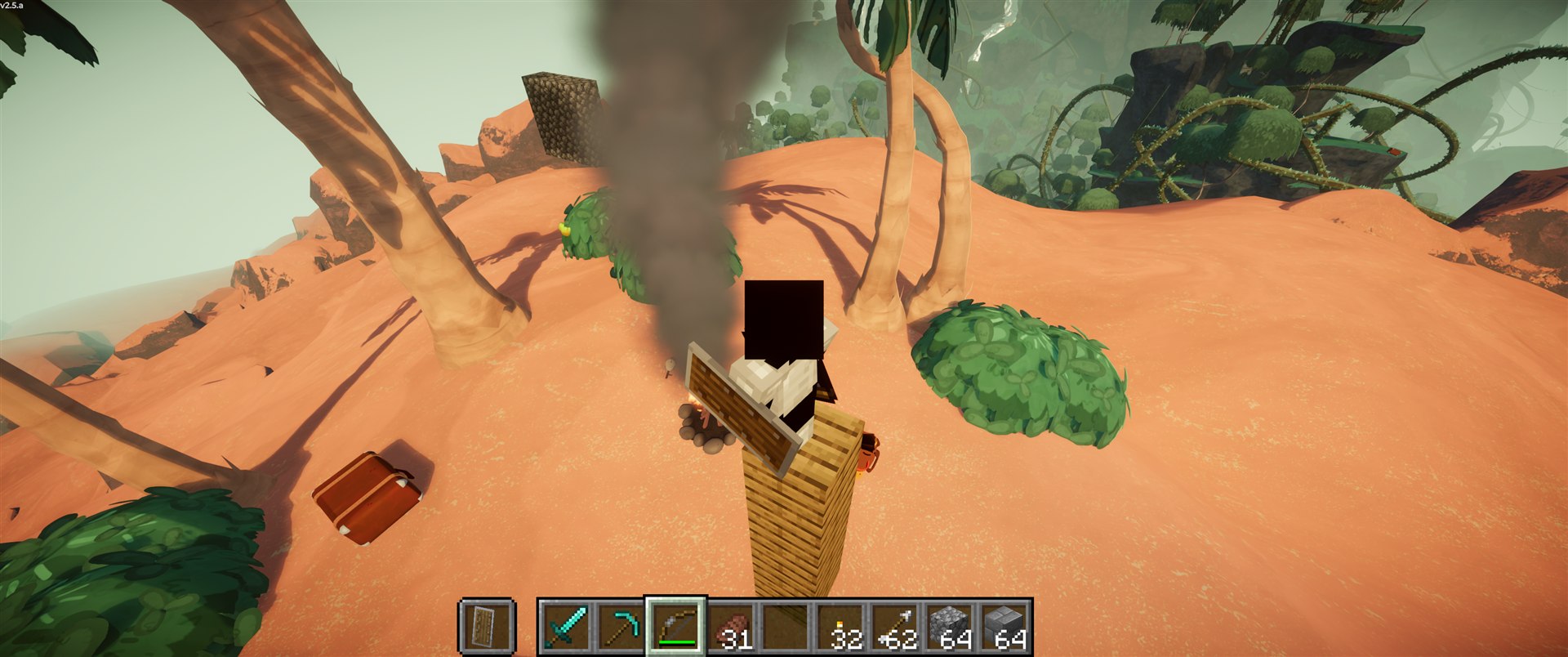
Play PEAK as a Minecraft player. A port of SkyCraft (Minecraft in Skyrim) to PEAK.
Minecraft Java physics and gameplay inside 64-bit Garry's Mod. Minecraft controls the player; GMod supplies the map, props, input and camera.
No posts yet. Ask a question, share your setup or post a clip.
Sign in to post