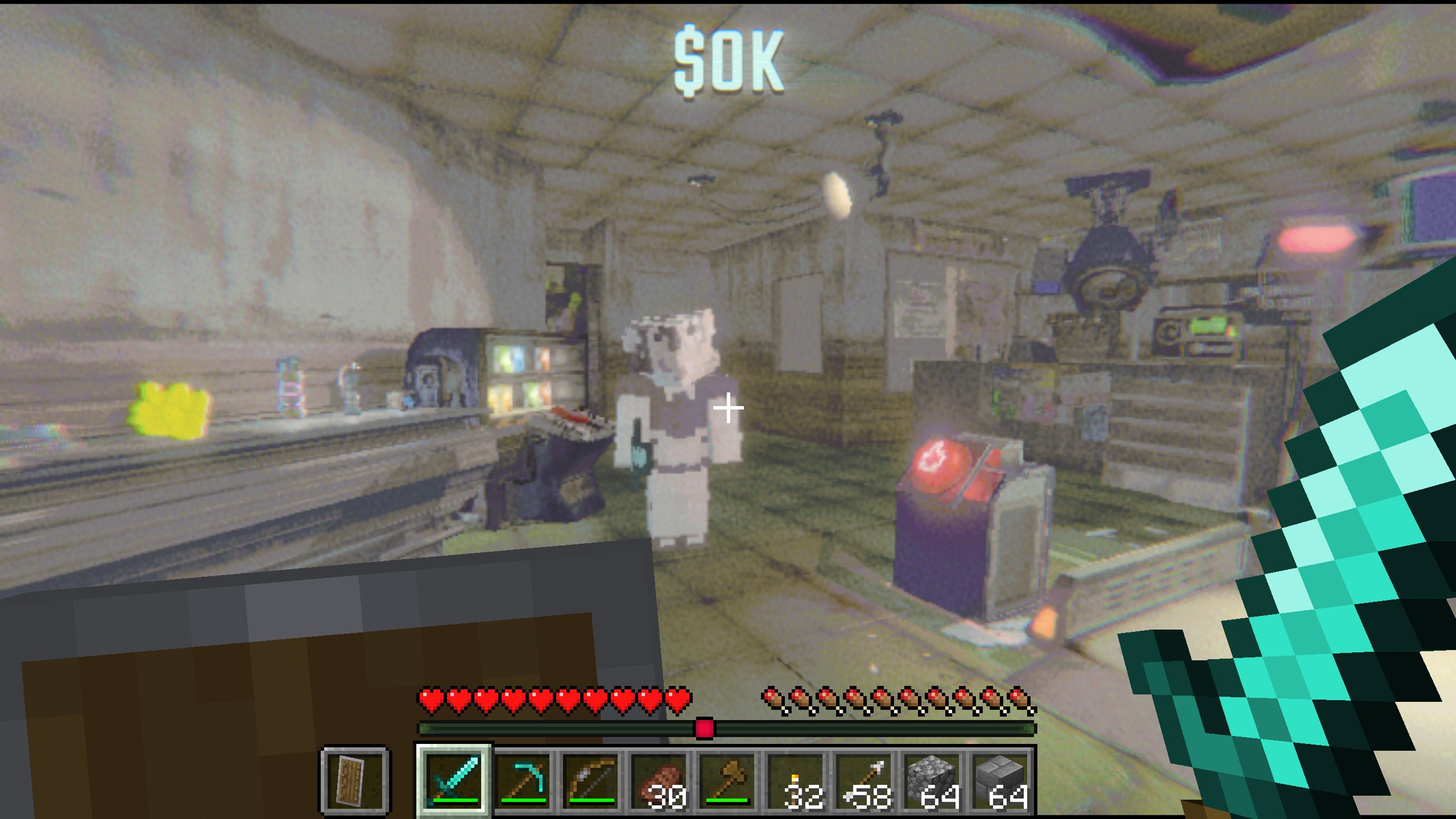
Play R.E.P.O. as a Minecraft player See the README below for details.
README
On GitHubRepoCraft
Play R.E.P.O. as a Minecraft player. You move with Minecraft's physics, carry Minecraft's inventory and HUD, fight REPO's monsters with Minecraft weapons, and place, break and dig blocks in REPO's facilities, while REPO keeps its levels, monsters, loot, extraction and co-op.
A port of SkyCraft (Skyrim × Minecraft) to REPO. Neither game is rewritten: a hidden Minecraft runs the player's game logic, REPO runs its world, and two mods translate between them over shared memory.
Status: early and experimental. A fan project, not affiliated with semiwork, Mojang or Microsoft. You need to own both games.
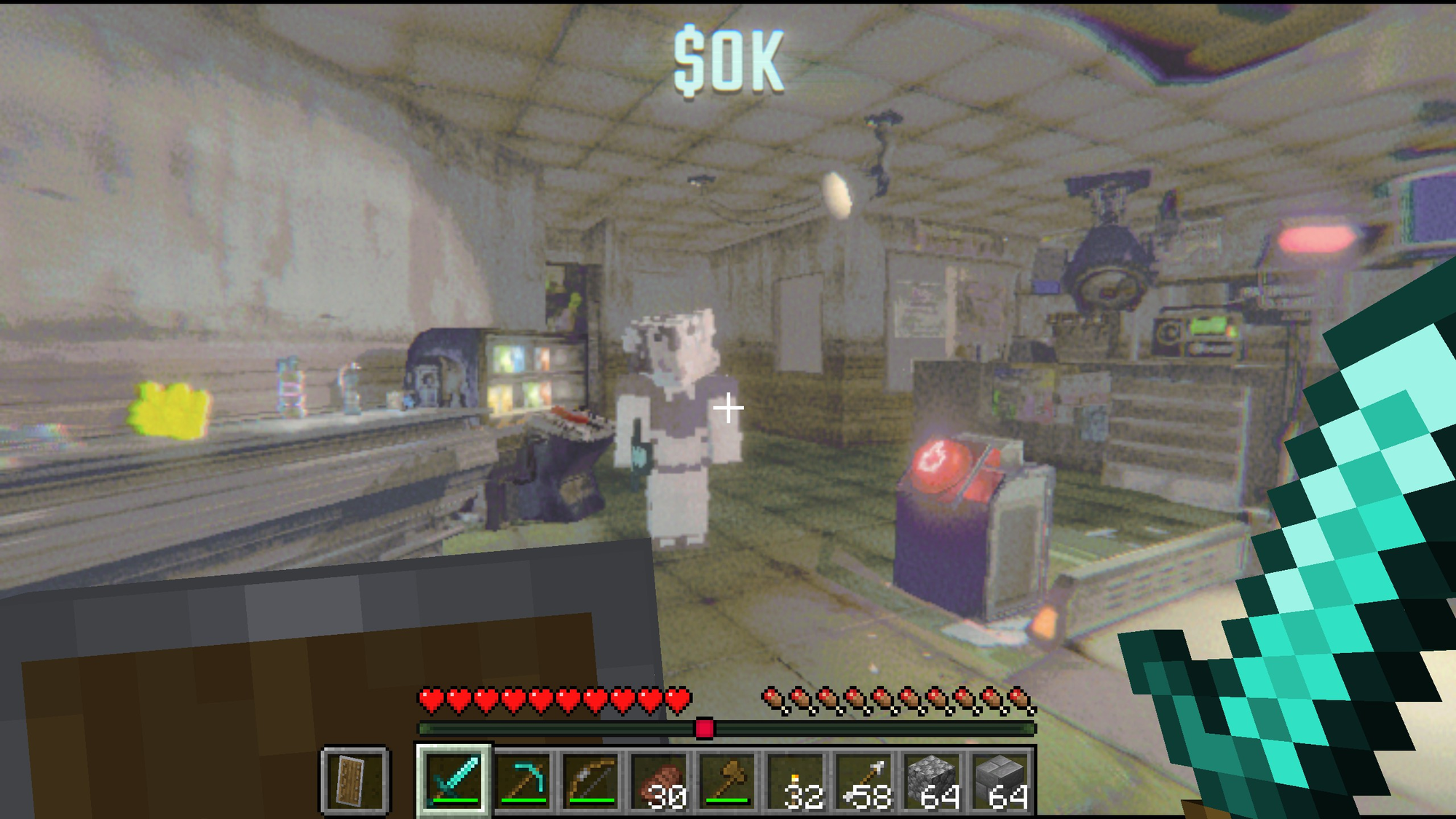
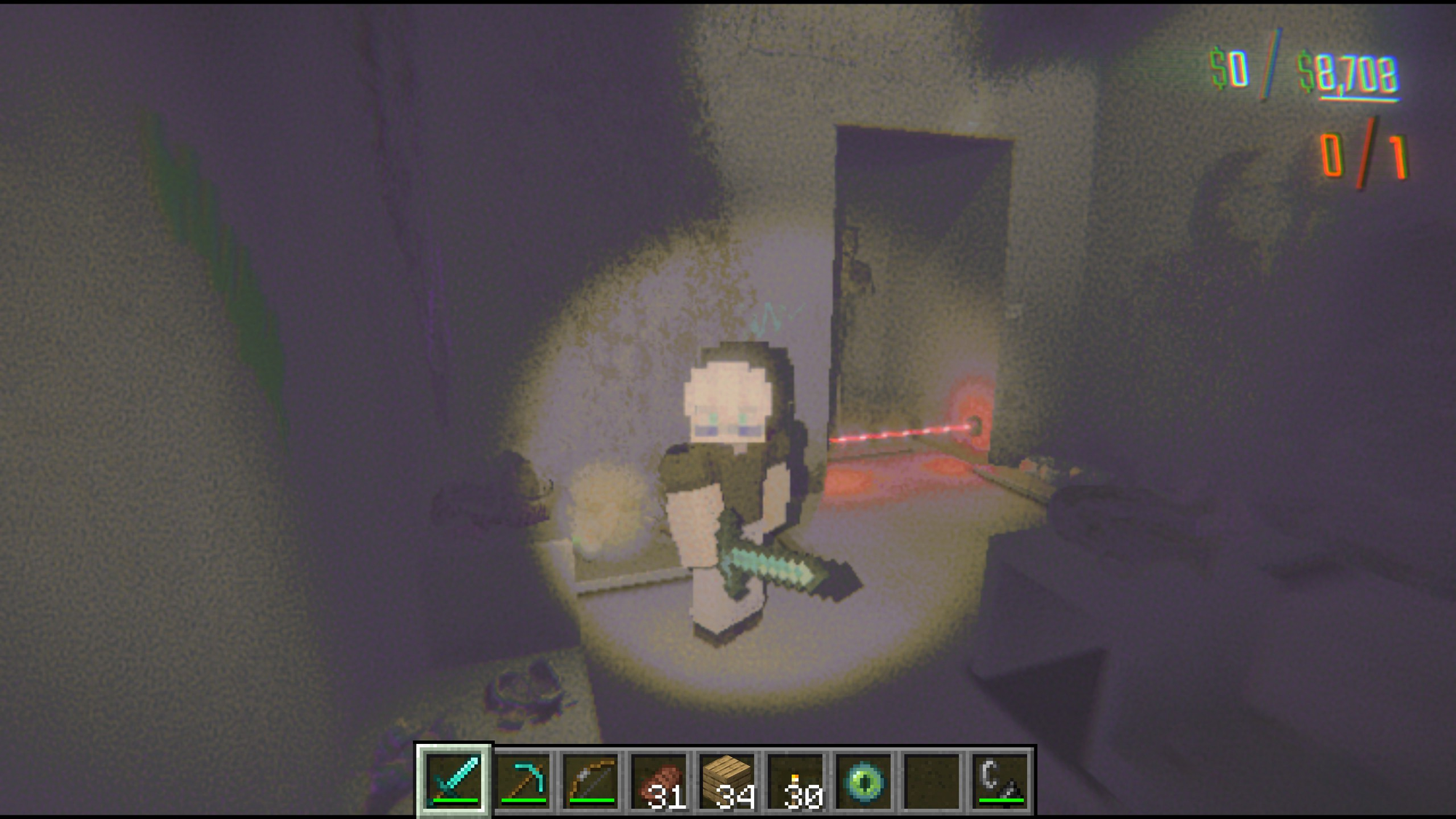
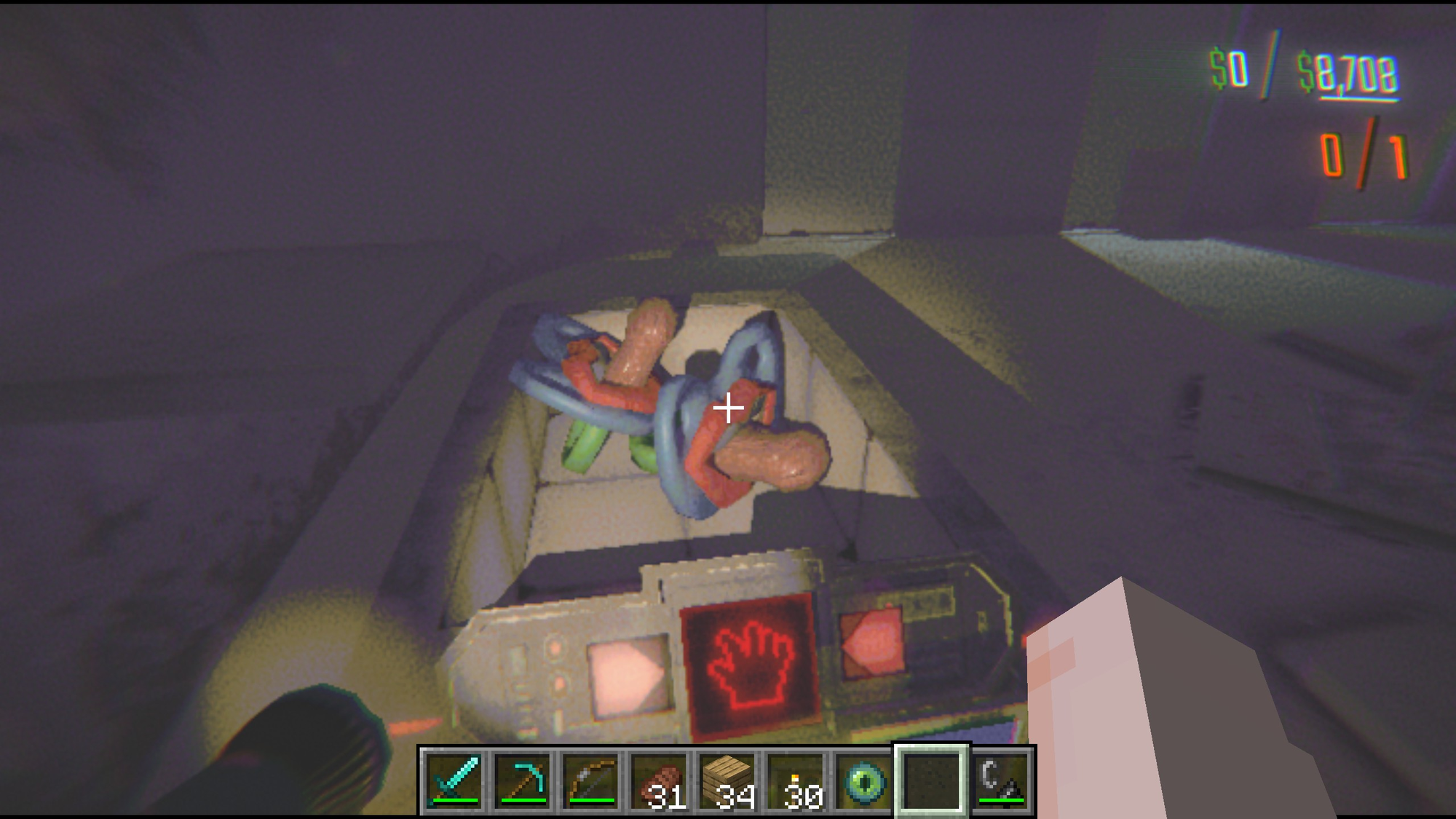
How it works
REPO.exe (Unity, BepInEx plugin)                           javaw.exe (Minecraft 26.3, Fabric mod)
  level colliders (walls, floors, props) ── collision ───▶  Minecraft's own collision and physics
  enemies (position, size, health)       ── actor table ─▶  invisible, hittable stand-ins
  keyboard and mouse                     ── input ring ──▶  as if Minecraft's window had focus
  REPO's attacks on the player           ── hurt ────────▶  player.hurt (armour, shields, totems)
  player body + camera rig               ◀─ player state ─  feet, eye, look, FOV, view bob, F5
  meshes, lights, colliders for blocks   ◀─ render ring ──  block meshes, atlas, entities, dug blocks
  enemy damage, explosions, stuck arrows ◀─ event ring ───  Minecraft's hits
  hand, hotbar, hearts, inventory UI     ◀─ overlay ──────  Minecraft's frame (transparent)
The protocol is SkyCraft's, byte for byte (protocol/repocraft_protocol.h): the Minecraft side is SkyCraft's Fabric mod with REPO names; the REPO side (plugin/) is new.
What works
- Movement: Minecraft walking, sprinting, jumping, sneaking and swimming on REPO's level:
its walls, floors, stairs and furniture are Minecraft collision. REPO's own body follows, so doors swing open when you walk into them, loot gets shoved, enemies see and chase you, and other players see you move.
- Blocks: place and break any Minecraft block in REPO's levels. They're drawn in REPO's frame,
lit by REPO's lights and your flashlight, pixelated like the rest. Torches and lanterns light REPO. Monsters and loot collide with what you build.
- Digging into REPO: mine its walls, floors and ceilings; what you dig drops as the block it's
made of (planks in the manor, copper in the arctic station...). The hole is real for you, loot, monsters and the navigation mesh. Under the ground floor is solid ground you can dig down into. Explosions (TNT, creepers) blow loot around and hurt monsters.
- Combat: hit REPO's monsters with any Minecraft weapon; damage goes through REPO's own
stun/knock-back/health code. Their attacks hurt your Minecraft health, through your armour. Arrows stick in them.
- REPO's own actions stay REPO's: the grab beam (carry loot, carts, heads, press buttons),
item use, inventory slots, map, chat, voice, menus.
- Death: Minecraft's death is REPO's death (spectate, death head, revive as usual), and your
Minecraft body falls where you stood.
- Levels: each REPO level gets its own stretch of the Minecraft world. The truck, each shop and
the arenas keep what you build; every run level starts clean.
Controls
Minecraft has the keyboard and mouse (your Minecraft key bindings apply), except:
| Key | Does |
|---|---|
| Left click on loot, a cart, a door, a button or a head | REPO's grab beam (hold to carry) instead of attacking |
| while carrying: right button / wheel / E / 1-3 | rotate it / push-pull it / use it / put it in REPO's inventory |
| Alt + 1-3 | take an item out of REPO's inventory |
| G | REPO's interact |
| Tab | REPO's map |
| Esc | REPO's menu (closes a Minecraft screen first) |
| O | Minecraft's pause / options menu |
| T | REPO's chat in multiplayer (Minecraft's chat: /) |
| V / B | REPO's push-to-talk / mute |
Installing (players)
Get RepoCraft-.zip and unzip it into the R.E.P.O. game folder (Steam: right-click R.E.P.O. > Manage > Browse local files), so winhttp.dll and BepInEx\ sit next to REPO.exe. Start R.E.P.O.: the first time, RepoCraft unpacks its own Minecraft (a portable Prism Launcher) to %LOCALAPPDATA%\RepoCraft and Prism asks you to sign in with a Microsoft account that owns Minecraft: Java Edition, then downloads Minecraft and Java. Full steps, controls and uninstalling: tools/INSTALL.txt (shipped in the zip as RepoCraft-INSTALL.txt).
Already using BepInEx or a mod manager: RepoCraft--plugin-only.zip is just the BepInEx\plugins\RepoCraft folder. Your own Minecraft launcher instead: set it in BepInEx\config\dev.repocraft.cfg and use repocraft-fabric-.jar with Minecraft 26.3, Fabric Loader 0.19.5 and Fabric API 0.161.0+26.3.
About 3 GB of extra RAM for the hidden Minecraft.
Building
.NET 8 SDK, JDK 25 (in .tools\), R.E.P.O. installed.
tools\package.ps1             # a release in dist\ (both halves, BepInEx, the bundled Prism Launcher)
tools\install-dev.ps1         # build and install into this PC's REPO and Prism Launcher, for testing
tools/FakeRepo is a stand-in host (no Unity) that drives the real Minecraft mod with the plugin's own link and collision code, for testing the Minecraft half and the protocol.
Debugging: REPO/BepInEx/LogOutput.log, Minecraft's logs/latest.log in the Prism instance, and the command file described in plugin/src/DebugCommands.cs (screenshots, scripted input, probes).
Multiplayer
REPO co-op works as usual: the Minecraft player is a normal REPO player to the others.
When the lobby's host has RepoCraft, everyone with RepoCraft plays in one Minecraft world, the host's. The host's Minecraft opens its world to the lobby over e4mc (bundled), its address goes round in the Photon room, and every other RepoCraft player's Minecraft joins it, mapping each REPO level to the same stretch of the world. So everyone sees the same blocks, holes and torches, the other Minecraft players as Minecraft players (their robots are hidden; nametags, voices, grab beams and death heads stay), and the host's Minecraft server runs the monsters' stand-ins for everyone's hits. [Multiplayer] ShareWorld = false in dev.repocraft.cfg keeps your own world instead. /leave in Minecraft's chat also goes back to your own world; /join joins any other.
If the host doesn't have RepoCraft, each RepoCraft player keeps their own Minecraft world, and Minecraft hits on monsters don't land (only the host runs REPO's monsters).
License
MIT. Includes SkyCraft (MIT, © chasmlol): the Minecraft mod, protocol and much of the design.
From the project's repository, fetched . Images load from GitHub.
Releases
Feed-
Release notes
First release. Early and experimental, expect bugs.
RepoCraft-0.1.1.zip - unzip into your R.E.P.O. folder (so
winhttp.dllandBepInEx\sit next toREPO.exe) and start the game. First launch sets up its own Minecraft and asks you to sign in with a Microsoft account that owns Minecraft: Java Edition. Full steps are inRepoCraft-INSTALL.txtinside the zip.RepoCraft-0.1.1-plugin-only.zip - just the plugin folder, if you already have BepInEx or use a mod manager.
repocraft-fabric-0.1.1.jar - the Minecraft mod on its own, if you want to use your own launcher (Minecraft 26.3, Fabric Loader 0.19.5, Fabric API 0.161.0+26.3).
You need to own both games. Needs about 3 GB of extra RAM.
Works for me
Did it work on your PC? A quick report tells other players which versions are safe to try.
Discussion
No posts yet. Ask a question, share your setup or post a clip.
Sign in to post