SteonMod for Windows
Get SteonMod
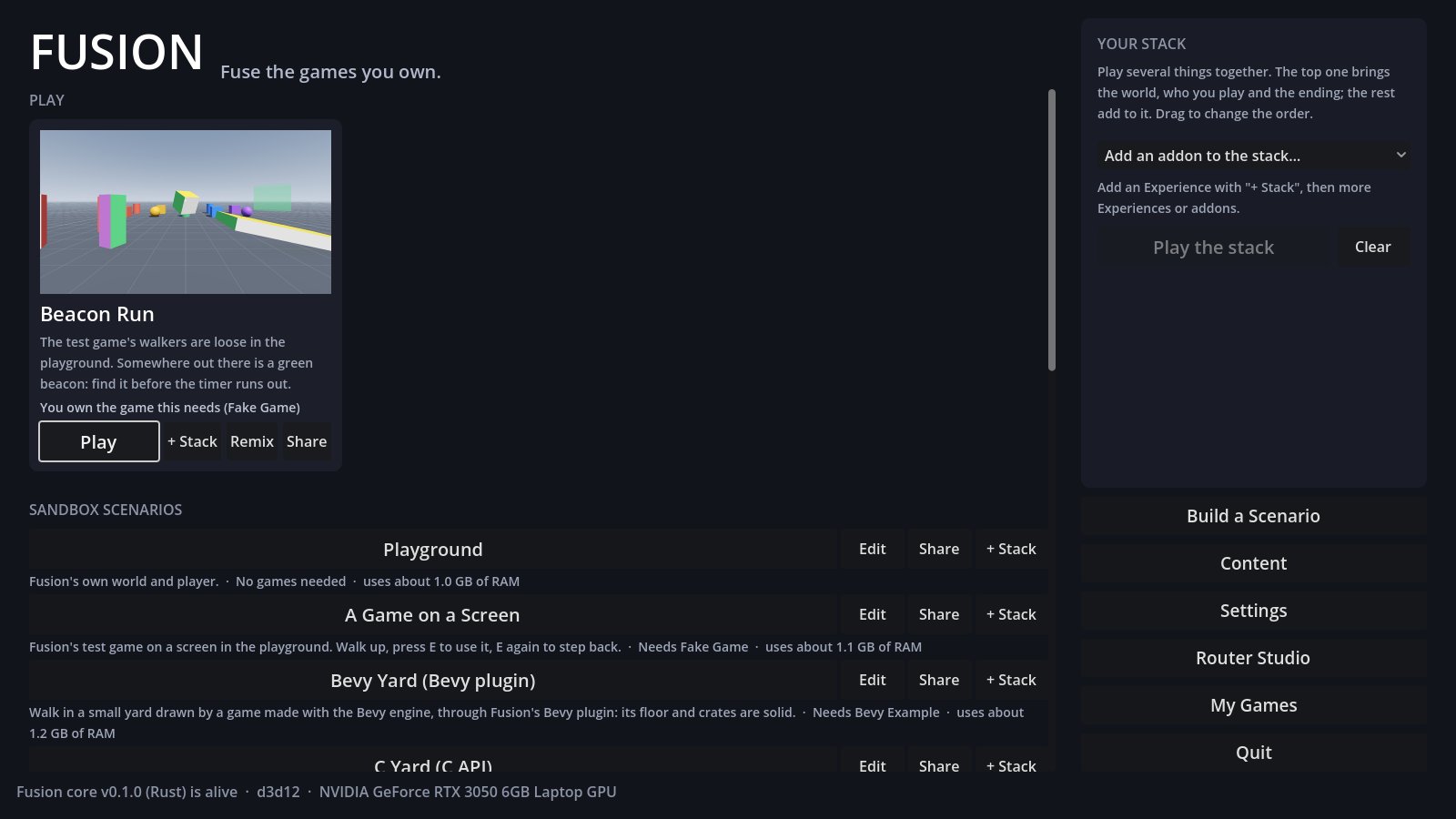
One free app that runs the games you already own together. Pick a scenario, press Play, and build your own with cards: no coding.
Windows 10 or 11, 64-bit · no Steam needed · installs just for you, no admin rights · updates itself
Windows may warn you
The installer isn't code-signed yet, so Windows SmartScreen may show "Windows protected your PC". Click More info, then Run anyway. Some antivirus tools also distrust a new program that talks to games.
To check your download is the real one, compare its SHA-256 with the one below (PowerShell: Get-FileHash .\Fusion-Setup-0.1.0.exe).
What it installs
- Fusion in
%LOCALAPPDATA%\Programs\Fusion, with Start menu and desktop shortcuts - Double-click a
.fusionfile to open it in Fusion - Routers for your games come later, from inside Fusion (My Games)
- Uninstall from Windows' Installed apps; your saves and settings stay unless you say so
Updates
Each start, Fusion checks steonmod.com for a newer version and asks first. Every update is signed by SteonMod; Fusion refuses anything else, and keeps the version before so you can go back.
All versions
Newest first. The zip is what the updater downloads; new players want the installer.
Make a router for a game you love
Routers are free, small, and made with data plus a little Lua. If you already made a passthrough mod, porting it is the quickest way in.