PortalCraft
Play Portal as Steve: Minecraft's movement, blocks, mobs and TNT inside the real Steam Portal (Fabric mod + Source plugin).
Play Portal as Steve: Minecraft's movement, blocks, mobs and TNT inside real Steam Portal (Fabric mod + Source plugin), plus a portal gun for plain Minecraft. See the README below for details.
README
On GitHubPortalCraft
Play Portal as Steve: Minecraft's movement, inventory, HUD, blocks, mobs and TNT inside real Steam Portal, with Portal's own portals, cubes, buttons and turrets. Plus a portal gun for plain Minecraft 26.3 (Fabric).
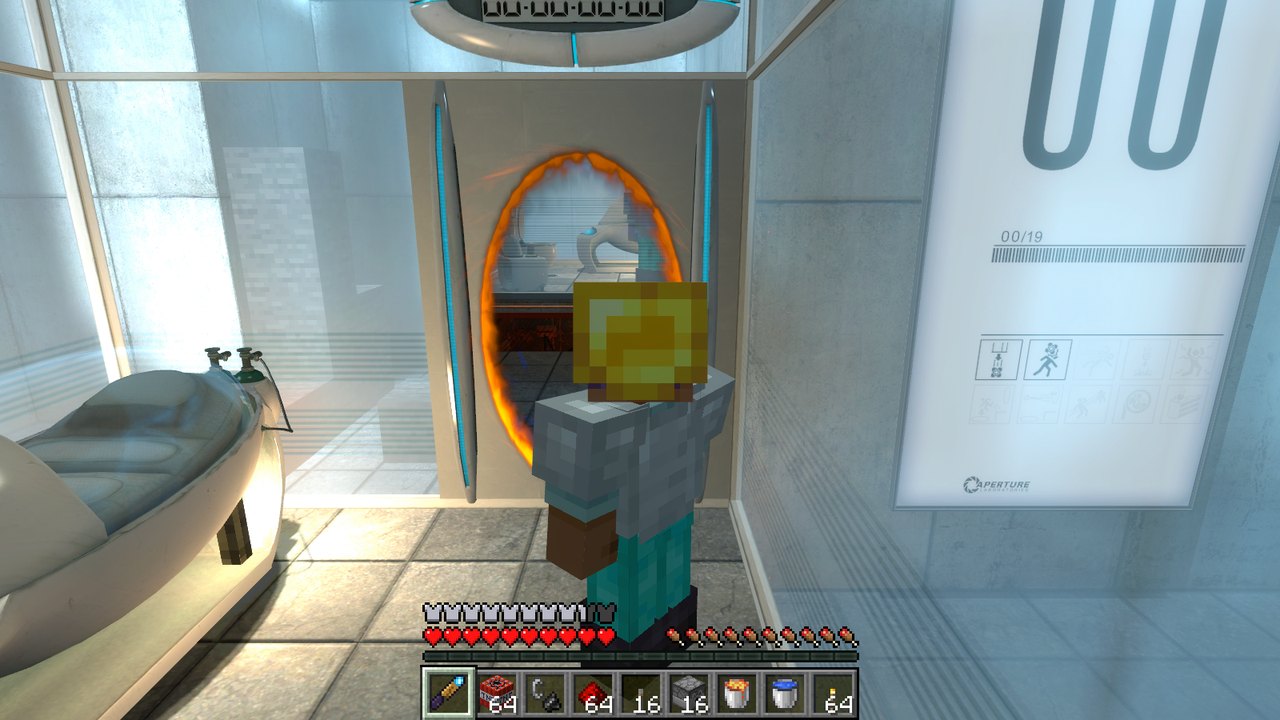
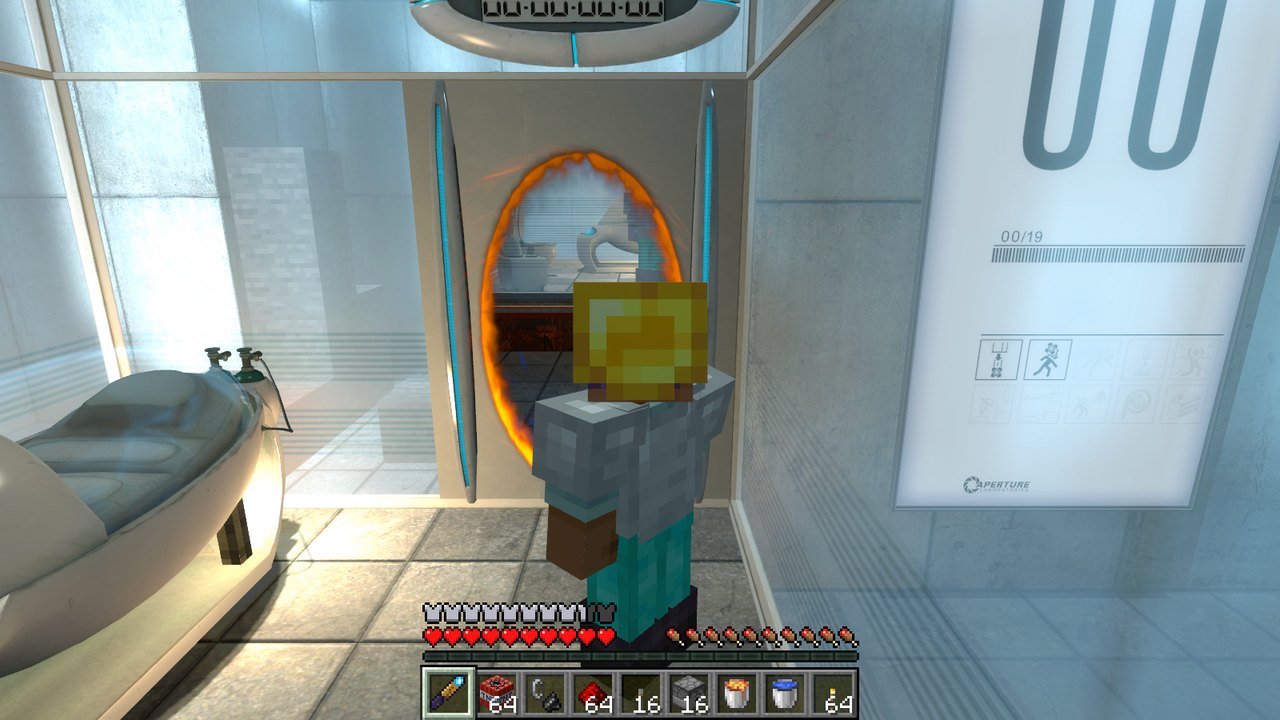
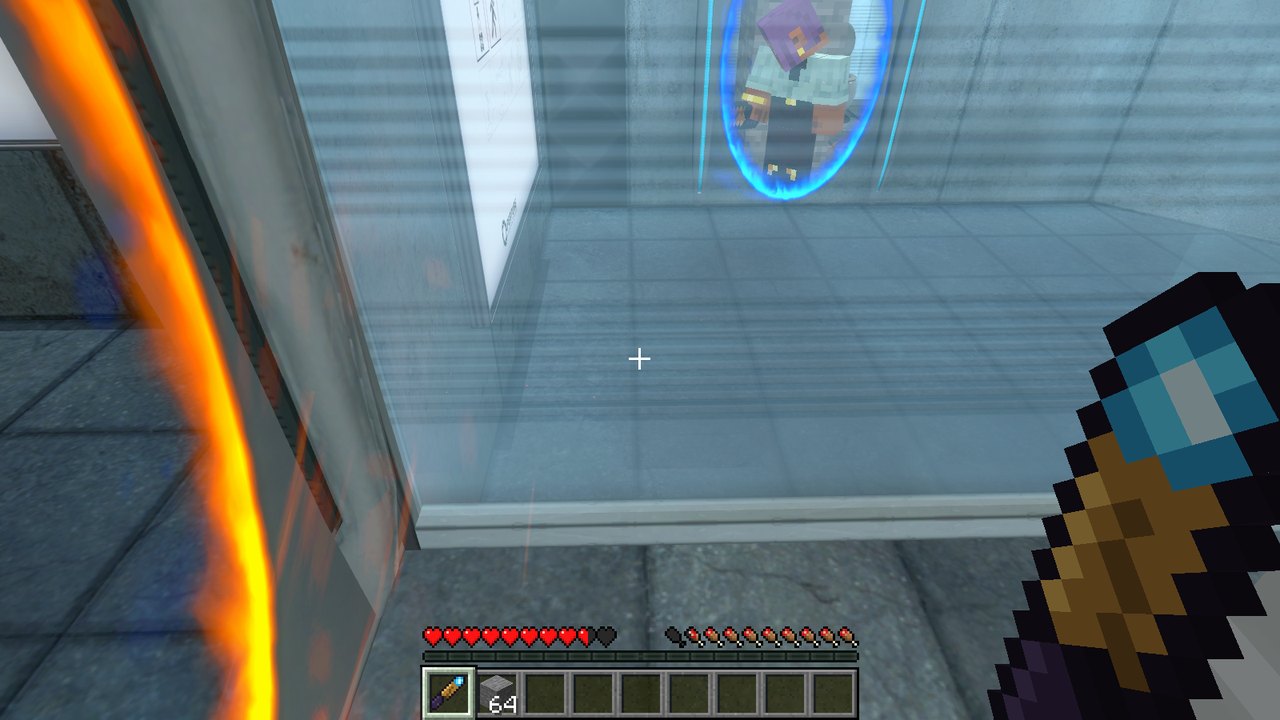 | 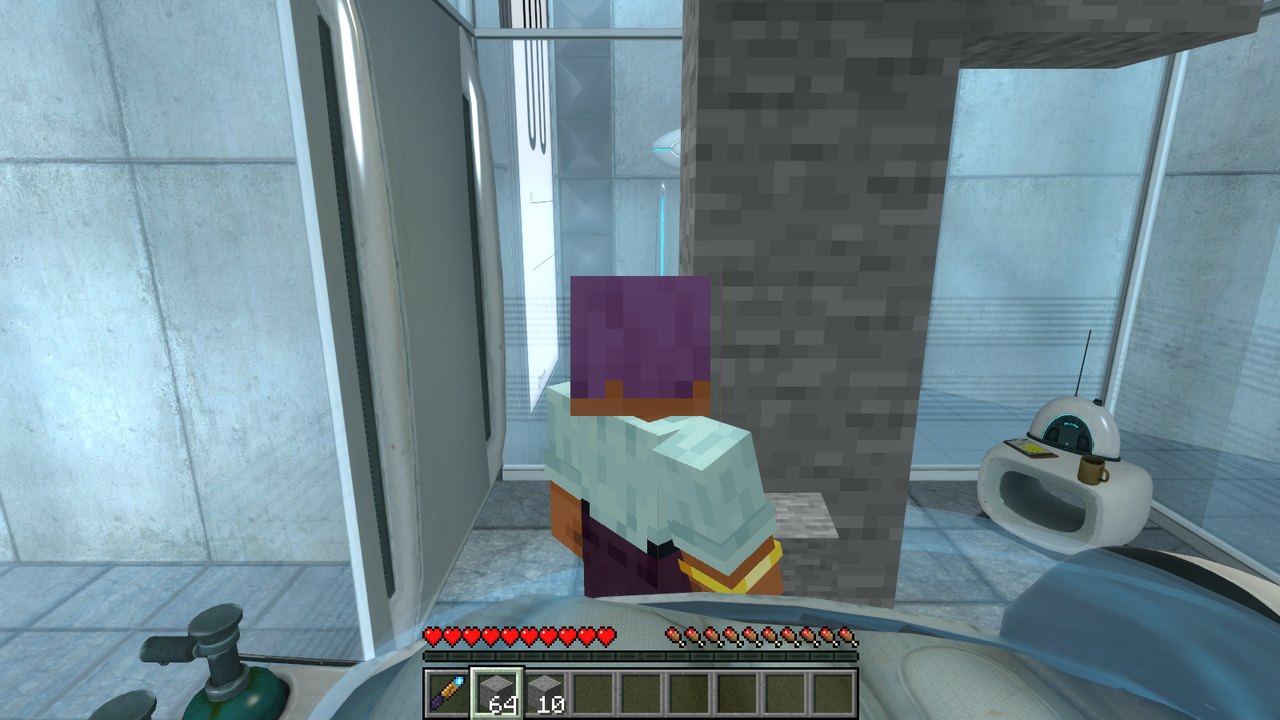 |
| Steve, seen through one of Portal's portals | Minecraft blocks built in a test chamber |
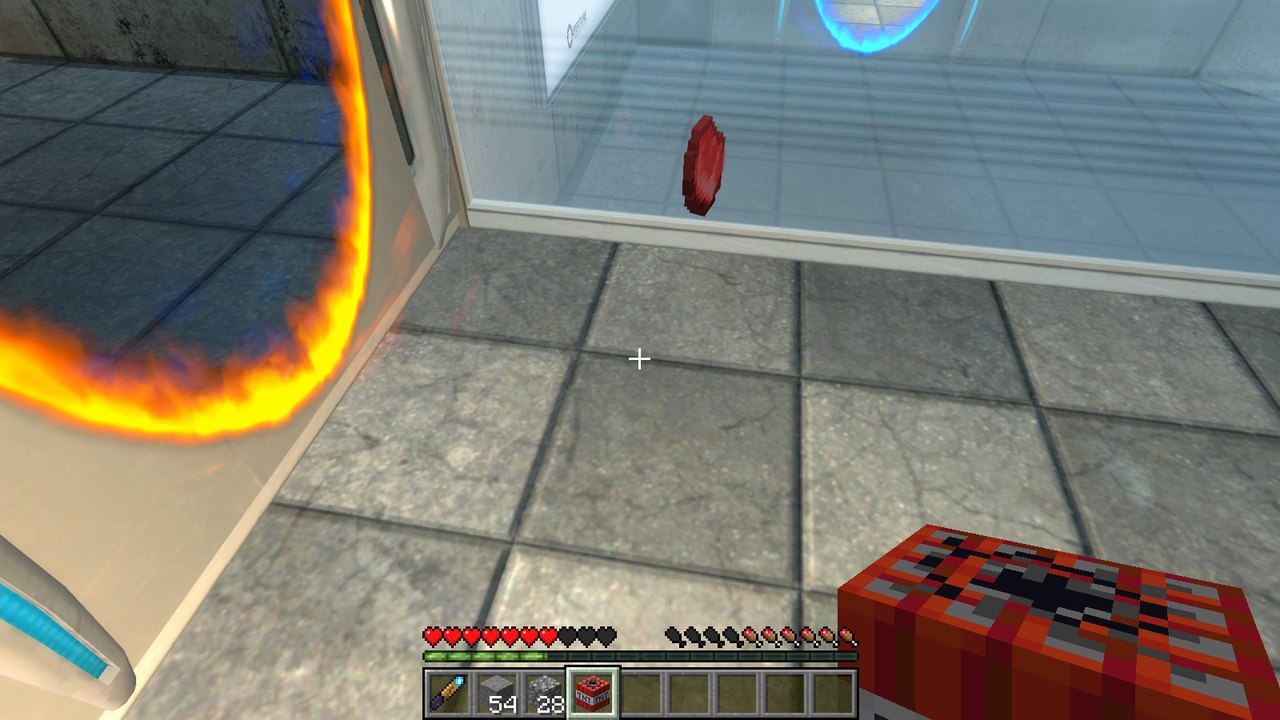 | |
| Mobs and TNT next to Portal's portals |
The portal gun in plain Minecraft
Fire two linked portals onto any solid surface and walk, fall or fling through them, with momentum carried through.
| Input | Does |
|---|---|
| Left click | Fire the blue (primary) portal |
| Right click | Fire the orange (secondary) portal |
- Portals are 1×2 blocks and need two solid faces in a row with open space in front.
- Each player has their own pair. Firing a colour again moves that portal.
- Breaking a block behind a portal fizzles it.
- As in Portal, a linked portal opens a hole in the blocks behind it: you walk (or fall) into it
and come out of the other one the moment your centre crosses its surface. Coming at it too far off to the side to fit, you go through on touching it.
- Items, mobs and arrows go through too.
- Get it from the Tools & Utilities creative tab, or craft it:
 . E A      E = ender pearl   A = amethyst shard
 . G E      G = gold ingot    O = obsidian
 O . .
Setting up a new PC
You need Windows, Git, and Steam Portal if you want the Portal side. Nothing is installed system-wide.
git clone https://github.com/GongerNonger/portalcraft.git
cd portalcraft
play-portal.cmd
The first run of tools\setup.ps1 does three things:
- downloads a portable JDK 25 into
.jdk\; - creates the void world in
run\saves\PortalCraft; - finds Portal through Steam's library list and installs the plugin into
portal\addons\. Itbuilds the plugin if Visual Studio 2022 Build Tools are present, and otherwise uses
host\portal\prebuilt\portalcraft.dll.
Releases for friends
powershell -ExecutionPolicy Bypass -File tools\package.ps1 builds both halves and writes dist\PortalCraft-.zip: unzip anywhere and run Install PortalCraft.cmd. It installs the plugin into Steam Portal and a portable Prism Launcher with the PortalCraft instance (Minecraft 26.3, Fabric, Fabric API, the mod, the void world) into %LOCALAPPDATA%\PortalCraft, and points portalcraft.ini at it. The first Portal start opens Prism to sign in with a Microsoft account that owns Minecraft; after that Minecraft starts hidden with Portal. Installing a newer zip over it keeps the sign-in and the world.
Building
gradle build               :: jar in build\libs (gradle.cmd = gradlew with the portable JDK)
gradle runClient           :: dev Minecraft with the mod, offline as "Steve"
host\portal\build.cmd      :: the Portal plugin (needs VS 2022 Build Tools, x86)
tools\make_textures.py regenerates the art (uv run --no-project --with pillow python tools/make_textures.py).
Playing inside Portal (milestone 1)
Steve's Minecraft movement inside real Steam Portal. A hidden-in-plain-sight Minecraft runs the physics; Portal draws everything and keeps its own portal gun, portals and teleports.
play-portal.cmdbuilds and installs the Portal plugin the first time (intoPortal\portal\addons\), then starts Portal. The plugin starts Minecraft itself, hidden (void worldPortalCraft, about a minute; Portal's top-left corner says how it's going), and Minecraft saves and quits when Portal closes. What it starts is inPortal\portal\addons\portalcraft.ini;start_with_portal=0there to start Minecraft yourself.- Click into the Portal window. WASD/space/shift/ctrl go to Minecraft; the mouse is Portal's.
- Walk into a pair of open portals: Portal teleports you, Minecraft follows with your momentum.
How it fits together:
Portal (host/portal, 32-bit server plugin) | Minecraft (dev.portalcraft.host) | |
|---|---|---|
| Position | follows Minecraft every movement tick (GameMovement001 hook) | runs the physics |
| Walls | — | reads the map's .bsp brushes as collision; linked portals cut holes |
| Look | the mouse, natively | copies Portal's view angles |
| Portals | fires and renders its real ones; teleports the player | follows each teleport (seq/ack) |
| Keys | reads WASD etc. while its window has focus | replays them as its own input |
| Clicks | fires its gun while Steve holds the portal gun | otherwise attacks/places/picks; aims at the map's walls too, and a block placed against a wall goes in the cell in front of it (to the nearer half-cell, since walls don't sit on the block grid) |
| Body | hides Chell (render mode) | in third person (F5) sends Steve, posed, with his skin and what he holds; Portal draws him at its player's feet |
| F5 | moves its camera behind/in front of the player (client-mode OverrideView hook, no cheats), stopped by its walls | cycles the view as usual; sends how far its own camera gets, so the host's stops at placed blocks too |
Link: UDP on 127.0.0.1 ports 27515/27516, layout in protocol/portalcraft_protocol.h. Logs: Portal\portal\addons\portalcraft.log and Minecraft's run\logs\latest.log. Dev tools: host\portal\tools\fake_mc.py (stand-in for Minecraft, --cmd console commands, --keys test input).
Camera smoothness: Portal's single-player client doesn't predict the player (cl_predict is forced to 0), so its camera follows the server through network interpolation. At Portal's defaults (20 updates/s, 100 ms delay) that beats against Minecraft's 20 Hz ticks and the view bobs. play-portal.cmd launches Portal with +cl_updaterate 66 +cl_cmdrate 66 +cl_interp 0
+cl_interp_ratio 1 (one update per server tick, ~15 ms delay), which removes the bob.
Known gaps (see docs/PORTAL_MECHANICS.md for what works):
- Portals can't be placed on Minecraft's blocks (a shot at your wall fizzles on it, as on Portal's
black walls).
- Co-op isn't built yet.
- After a Portal update, the features that call engine slots checked on today's build (blasts,
block physics, the health kill, corner messages) turn themselves off until they're re-checked (
docs/PORTAL_MECHANICS.md, "After a Portal update").
Host-game bridges
PortalGunEvents.FIRE lets another mod take over a shot. A bridge to a host game (Portal, HL2, ...) returns true and makes the host fire its own real portal instead. See docs/PORTAL_RTX_RESEARCH.md for the Portal / Portal with RTX plan.
Portals here are opaque ovals. Seeing through them is left to the host game, which already renders real portals.
License
PortalCraft is MIT-licensed (LICENSE): use it, change it, share it, as long as the copyright notice stays with it. Parts follow SkyCraft (MIT) and releases bundle Prism Launcher (GPL-3.0) and Fabric API (Apache-2.0); see THIRD-PARTY-NOTICES.md. Not affiliated with Valve, Mojang or Microsoft: you need to own Portal and Minecraft: Java Edition.
From the project's repository, fetched . Images load from GitHub.
Releases
FeedNo releases yet. Follow the project to hear when the first one comes out.
Works for me
Did it work on your PC? A quick report tells other players which versions are safe to try.
Discussion
No posts yet. Ask a question, share your setup or post a clip.
Sign in to post